The shop site.
Designed with you, on your own domain, with the prices out front so the client searching for a fade at nine on a Saturday finds you first.
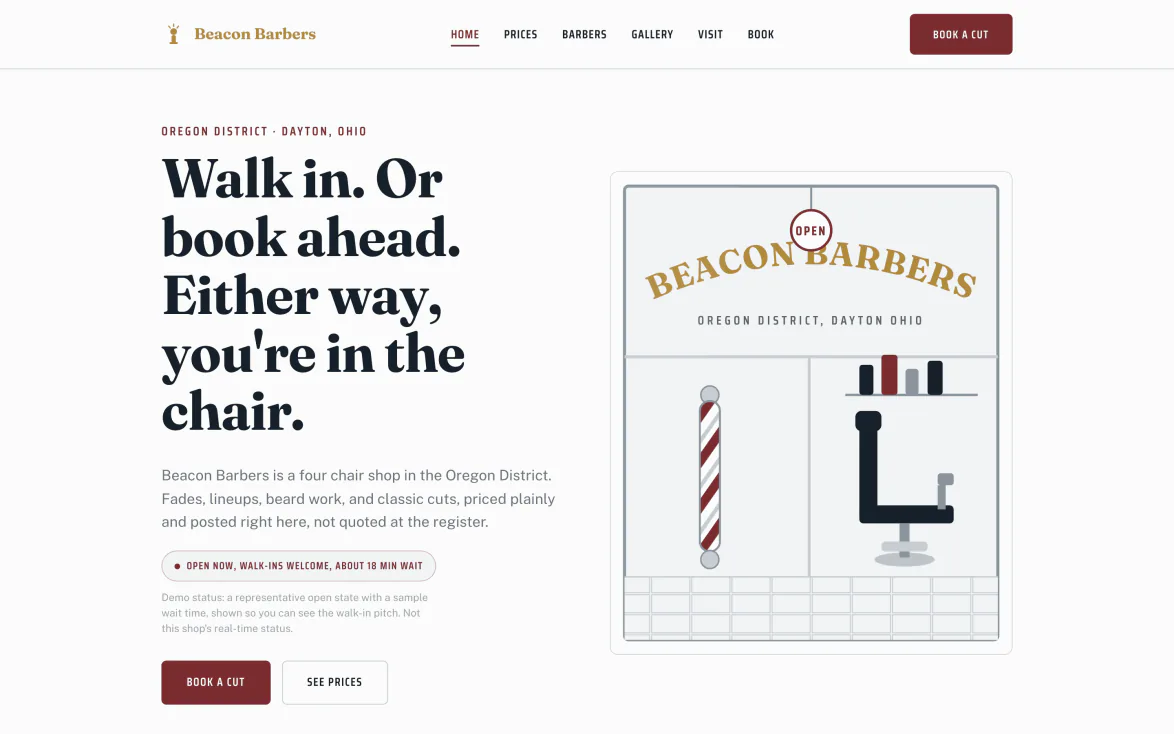
A designer builds it with you.
Your services, your prices, your barbers, your hours. A real multi-page site, not a booking link with your logo on it.
- A real person builds it. You tell us the shop and a designer puts it together with you, not a drag-and-drop kit you're on your own with.
- Your own domain. Clients land on your name, not a subdomain that belongs to somebody else's platform.
- Search finds it. When someone nearby searches for a skin fade or a hot towel shave, real pages win, a link-in-bio does not.
- Changes go through a person. When something needs updating later, you call, you do not fight a template editor.
The prices, out front.
A public price list on the site, not a number you have to call and ask for.
- Every service, priced. Cut, cut and beard, lineup, whatever the shop offers, listed in plain view.
- No surprises at the chair. The client already knows what it costs before they book.
- Updates when you do. Change a price in the dashboard and the site reflects it, no separate edit.
The site says walk-ins welcome, out loud.
The design leads with how a barbershop actually works: walk in, or book ahead, next to a price list that hides nothing.
- Walk-ins welcome, out front. Said plainly on the page, not buried in an FAQ, so they come in instead of calling around.
- Book ahead from any page. A card on file holds the chair for the client who plans, and the button is never more than a tap away.
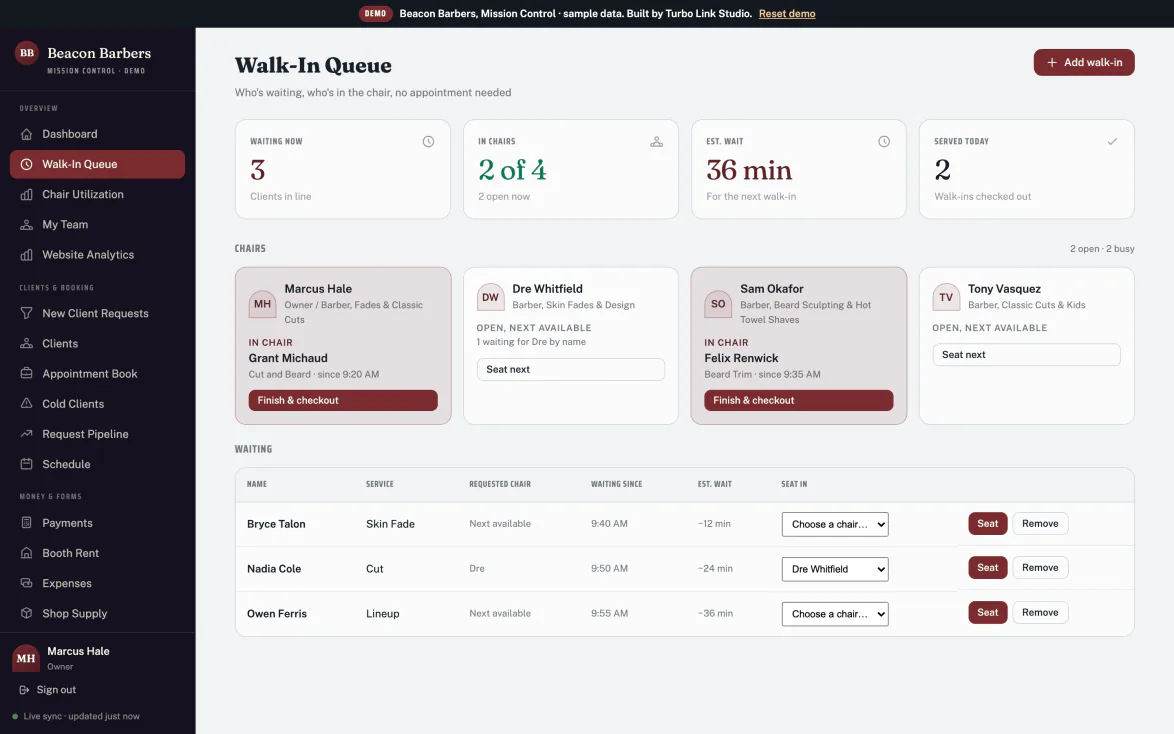
- The queue lives at the front desk. Walk-ins go in at the door, and the dashboard and the shop phone read the same line.
Booking, on every page.
The Book button is always one tap away, and the request lands in the book with a card on file.
- Never more than a tap away. Book sits on every page, not buried on one screen.
- A card on file. Hold the slot the same way the shop's own book does, so a no-show costs something.
- Works from a phone. Most of your traffic is a phone in a pocket. The booking flow was built for that first.
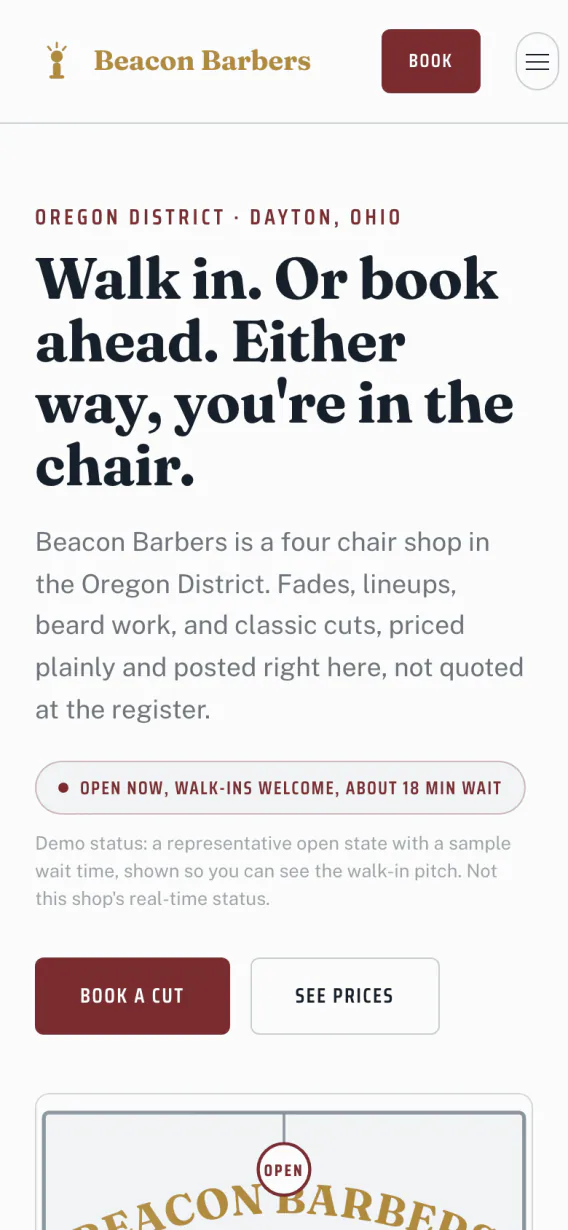
The barbers, and when the shop is open.
Every barber gets a page, with their own hours and their own book behind it.
- A page per barber. A photo, what they're known for, and a way to book them by name.
- Real hours, not a guess. Shop hours and each barber's schedule, kept current from the dashboard.
- Booth renters included. Every barber in the shop gets a presence on the site, not just the owner.
Fadehouse. Built for barbershops, not adapted for them.
Subway tile and chrome, the public price list up top, walk-ins welcome said plainly. One template, built barber-native, plus the shared salon-family template if a shop wants that look instead.
- Barber-native, not borrowed. Fadehouse was designed for a barbershop's floor, not reskinned from a salon or a studio.
- Walk-ins welcome, said plainly. The design leads with what makes a barbershop different, instead of hiding it.
- One barber template, one shared option. Fadehouse, or the salon-family template if that fits the shop better. That is the choice, kept honest.
Keep exploring.
The site is the shop's front window. Here is where the rest of it lives.
The queue, the book and the money
The walk-in queue, chairs, booth rent and client history behind the site.
Explore the dashboard Client experienceWhat your client sees
The queue, booking ahead, their portal and messaging, from their own phone.
Explore the client experience The client bookCut notes, rebook clocks, win-backs
What fills a quiet Tuesday, from the barber's own book.
Explore the client book The appThe shop in your pocket
Move the queue, answer clients and take a payment from the chair.
Explore the app OverviewBack to the full picture
See the whole shop, from the front chair, in one page.
Back to For BarbersEverything on the shop site.
The bays above tell the story. This is the list, so you can check for the one thing you actually came here to find.
Built & found
- Designer buildBuilt with a real person, not a kit.
- Your own domainNot a shared subdomain.
- Search optimisedReal pages, built to be found nearby.
- Site analyticsWhat people looked at before they booked.
On the site
- Public price listEvery service, priced, in plain view.
- Walk-ins welcomeLed with on the page, next to the price list.
- Barber pagesA page per barber, hours included.
- The Fadehouse templateBarber-native, plus the shared salon-family option.
Booking
- Book on every pageNever more than a tap away.
- Card on fileHolds the slot the same way the shop's own book does.
- Walk in or book aheadThe site says either works, plainly.
- Mobile-first bookingBuilt for a phone in a pocket first.
The questions we get
Straight answers, before you have to ask.
Do we get to pick a look, or is it just Fadehouse?
Can we bring our own domain?
How does the price list stay in sync with checkout?
What if we want changes after launch?
The shop's window, built right.
$29 a month, billed annually. Everything above included.