Everything your client needs, from their phone.
No account to create for the queue, a real spot held with a card on file when they book ahead, their whole history waiting in a portal, and a way to message the shop that actually gets answered. Nothing to download, or the Turbo Link app if they'd rather.
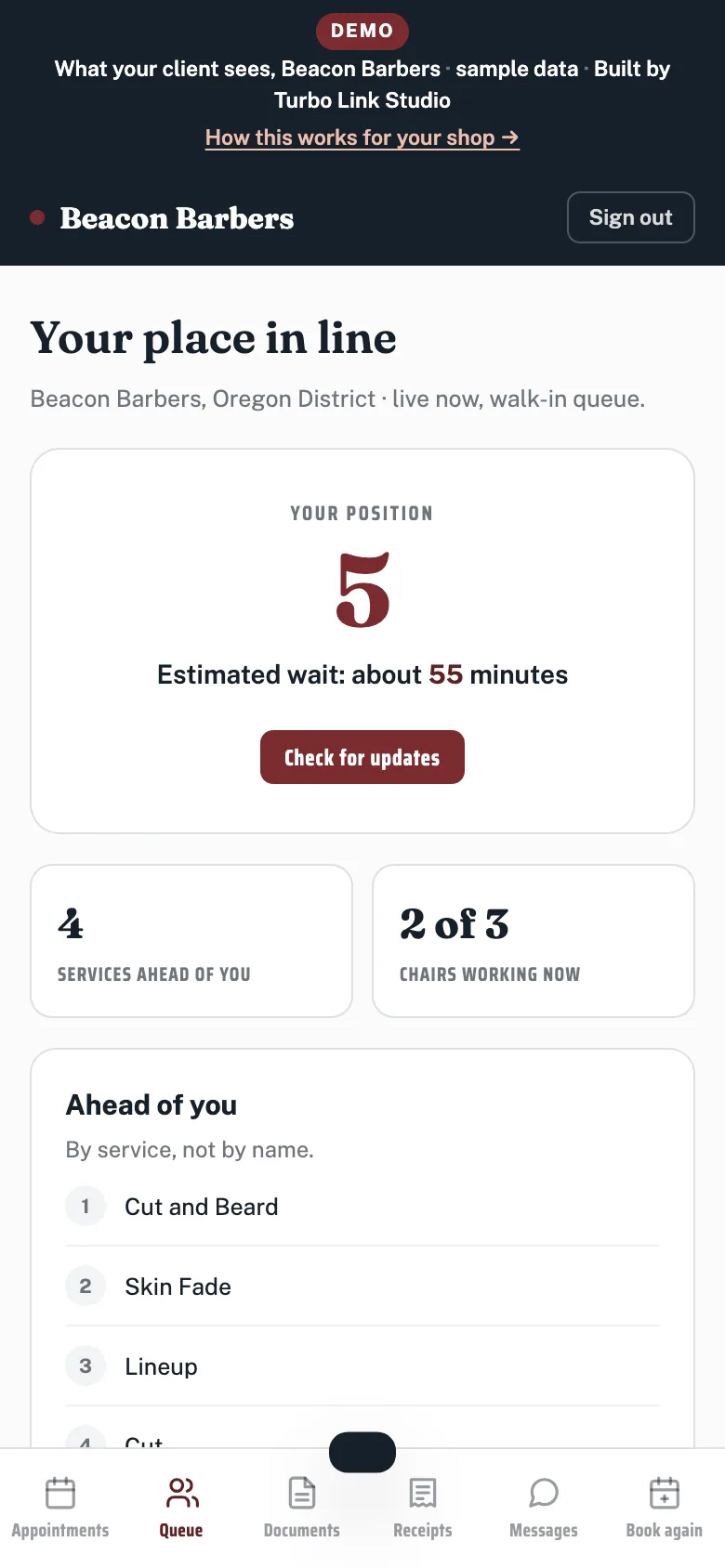
In line, in seconds.
The front desk puts them in the queue by name, in seconds. No account, no clipboard.
- Checked in at the door, by name. Two taps at the desk, or from the phone in a barber's apron, no account and nothing to install.
- A wait number that means something. It adds up the services ahead of them and divides by the chairs actually turning over, so it is a real number, not a guess.
- The shop calls the name. There is no text when a walk-in is up yet. The front desk or a barber calls them from the chair, the same as always.
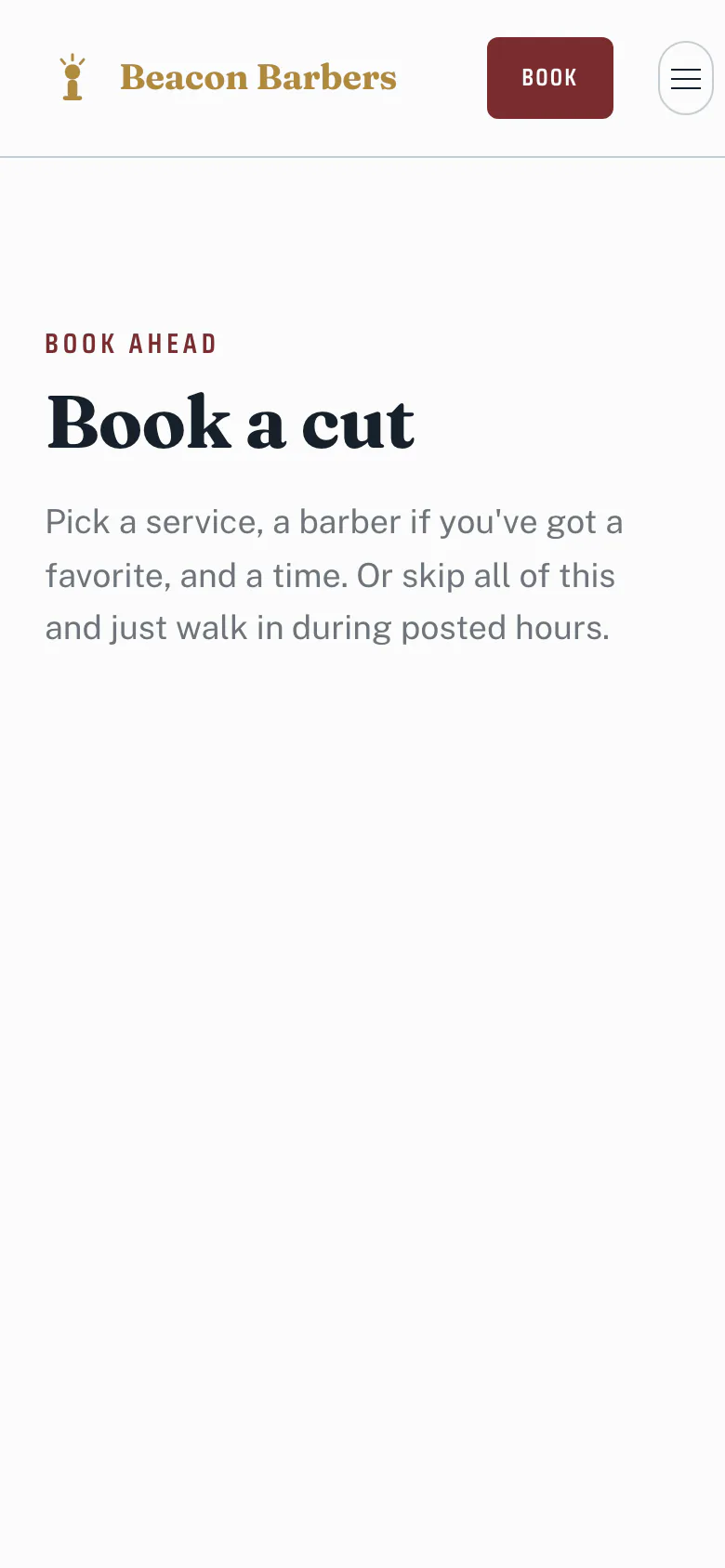
Booked ahead, with a card on file.
Pick the barber, the service and the time, and the slot is held with a card instead of a hope.
- No account required to look. Browse times and services freely. A card only gets asked for once the slot is actually held.
- The barber they want, or next available. Book by name, or let the shop find the next open chair.
- A card on file protects the slot. The same way the shop's own book does, so a no-show costs the client something instead of costing the shop the chair.
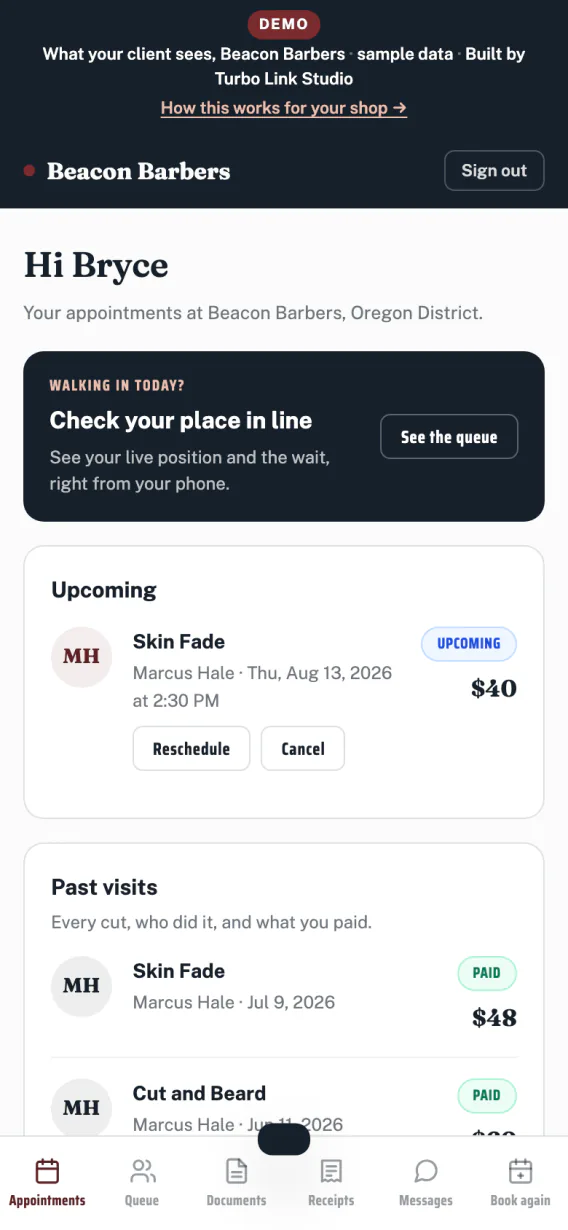
Their whole history, waiting for them.
Past cuts, what they asked for last time, and every receipt, in one place they can find again.
- Cut history, not just an appointment. What they had done and when, so nobody has to remember the guard number themselves.
- Receipts, kept. Every visit's receipt sits in the portal, ready when they need it.
- No password to forget. Their portal opens straight from the link the shop sends, no separate account to set up first.
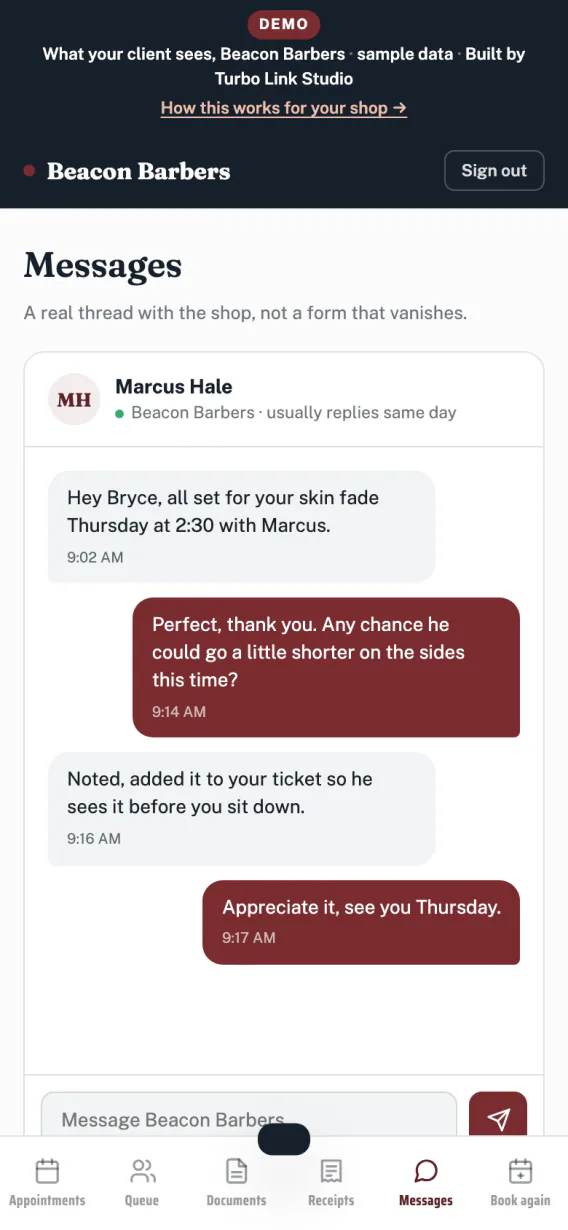
A real conversation, not a noreply address.
Ask about tomorrow's appointment or send a photo of the fade they want, straight to the shop.
- Two-way, and answered. A real thread with the shop, not a form that vanishes into an inbox nobody reads.
- Sits right next to their history. The shop can see the conversation next to what they actually had done last time.
- Reminders, included. Booking confirmations and appointment reminders send on their own ahead of every visit, with no per-message charge.
Your clients pick: a link, or the app.
The queue, booking, their portal and messages open from a link, no download needed, or through the Turbo Link app if they'd rather. The link opens right where they already are, in a text or on the shop's Instagram.
- Nothing to install. A tap and it works, right in the browser they already have open.
- Works from wherever they found the shop. Instagram, a text, a search result, all the same link.
- Instant, either way. The portal opens on the spot; the app is just as quick once it's on their phone.
Keep exploring.
The client's side is one half of the shop. Here is where the rest of it lives.
The queue, the book and the money
The walk-in queue, chairs, booth rent and client history, from the shop's side.
Explore the dashboard The shop siteThe prices, the barbers, the Fadehouse template
A designer builds it with you, on your own domain, with your prices out front.
Explore the shop site The client bookCut notes, rebook clocks, win-backs
What fills a quiet Tuesday, from the barber's own book.
Explore the client book The appThe shop in your pocket
Move the queue, answer clients and take a payment from the chair.
Explore the app OverviewBack to the full picture
See the whole shop, from the front chair, in one page.
Back to For BarbersEverything your client sees.
The bays above tell the story. This is the list, so you can check for the one thing you actually came here to find.
Getting in line
- Checked in at the doorTwo taps at the desk, no account needed.
- Nothing to installTheir whole side lives in the browser.
- A real wait timeArithmetic off the chairs actually running, not a guess.
- The shop calls the nameNo queue text yet, said plainly.
Booking ahead
- Card on fileHolds the slot the same way the shop's own book does.
- Any barber, or next availableBook by name or let the shop assign the chair.
- No account to browseOnly asked for a card once a slot is held.
- Mobile-first flowBuilt for a phone in a pocket first.
Their portal
- Cut historyWhat they had done, and when.
- Receipts keptEvery visit, filed automatically.
- No password to rememberOpens straight from a link.
Messaging
- Two-way threadNot a noreply address.
- Sits with their historyThe shop sees the conversation and the record together.
- Reminders includedConfirmations and reminders, every plan, no per-message charge.
The questions we get
Straight answers, before you have to ask.
Does my client get a text when they are up?
How accurate is the wait time, really?
Do clients need to make an account?
Do my clients need the app?
The easiest part of the shop to hand a client.
$29 a month, billed annually. Everything above included.