The shop in your pocket.
The queue, the book and the money from the phone at your station, between cuts. Your clients never need to download a thing.
Move the queue from your hand.
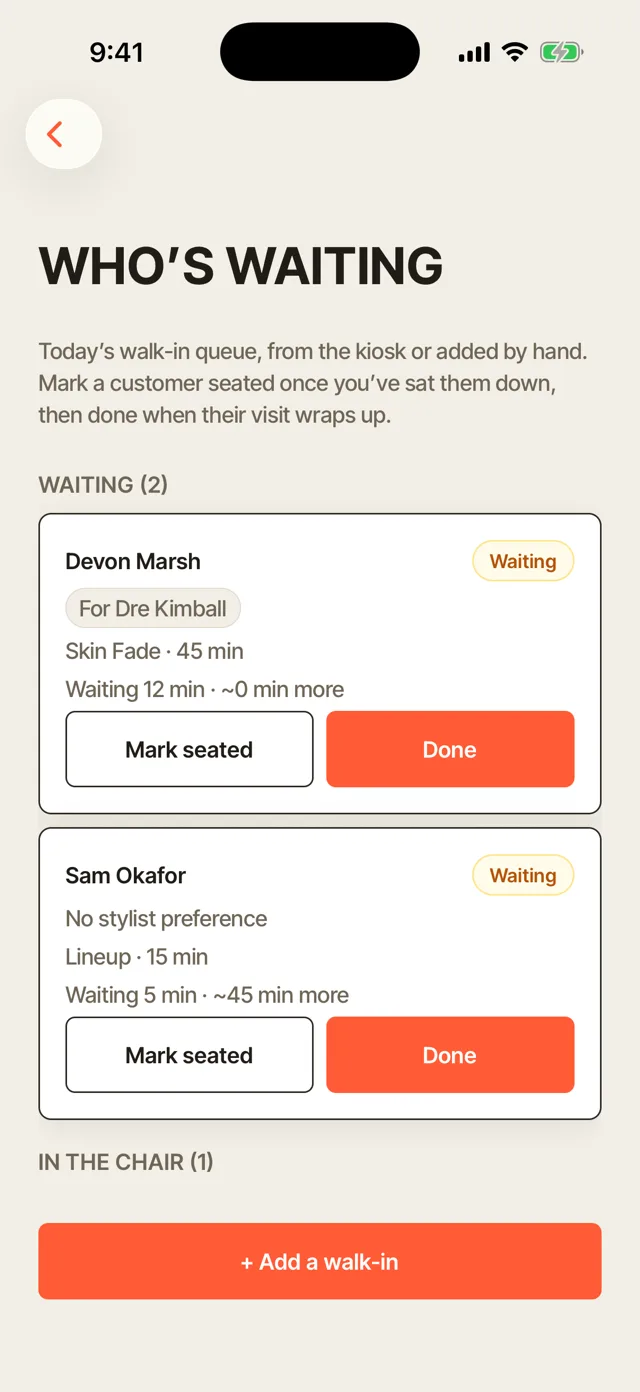
Add a walk-in, call the next name, or bump the order, all from the phone already in your apron.
- Add a walk-in in two taps. No walking back to a front desk screen between cuts.
- Call the next client. One tap seats them and the queue moves. You still call the name; the app keeps the order straight.
- See the whole line. Who is waiting, for which chair, and how long they have been there.
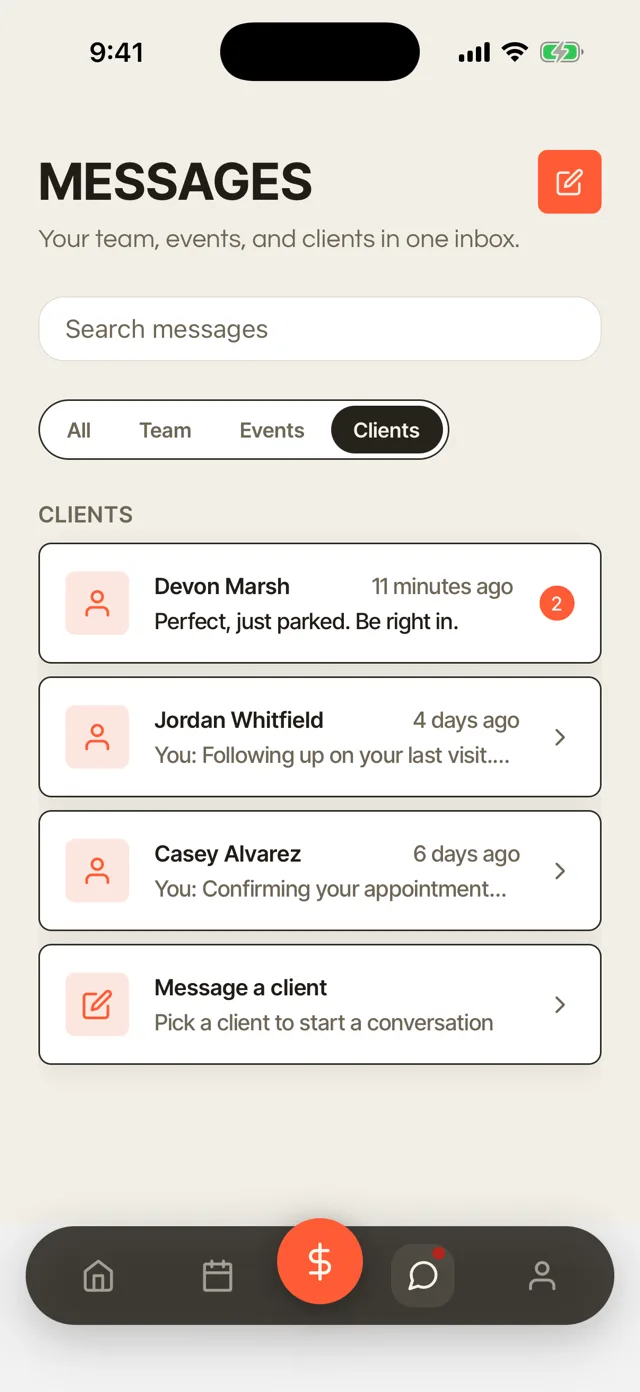
Answer a client without stepping away.
A question about tomorrow's appointment, or someone asking how long the wait is right now. Answer it from the chair.
- One thread per client. The whole conversation, not scattered across texts and DMs.
- Booking requests land here too. Confirm or reschedule without switching apps.
- Nothing left on read. A quick reply between cuts beats a missed call after close.
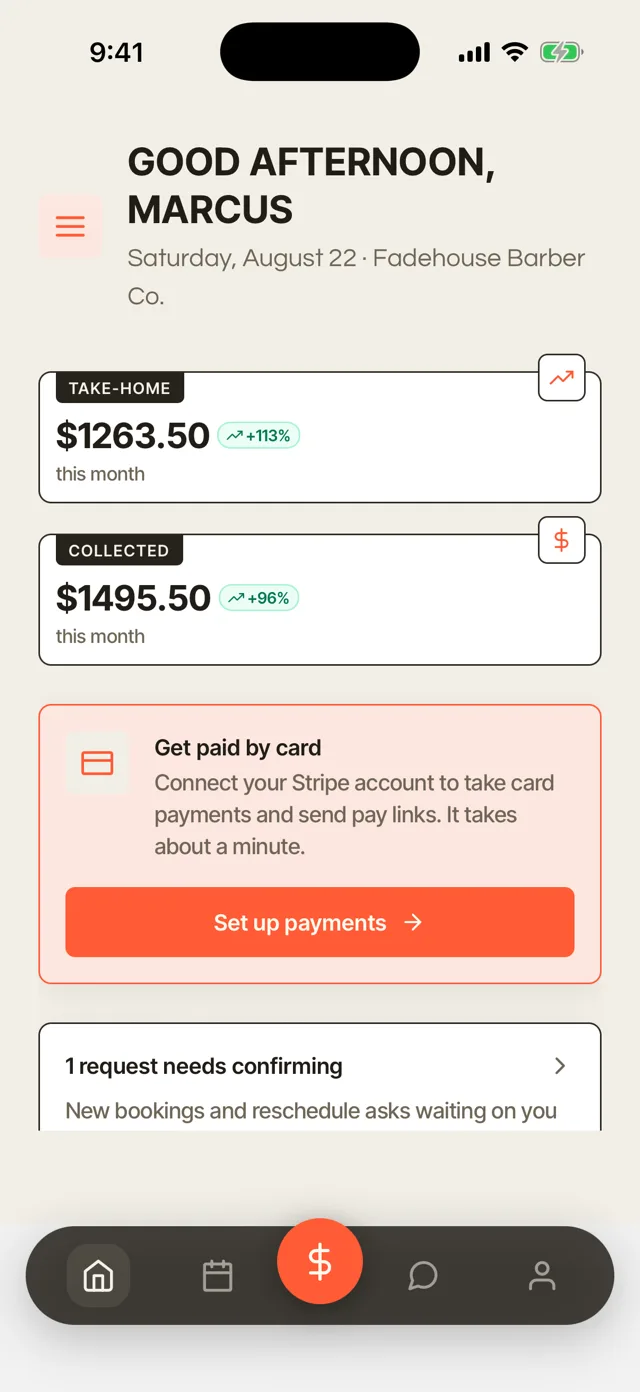
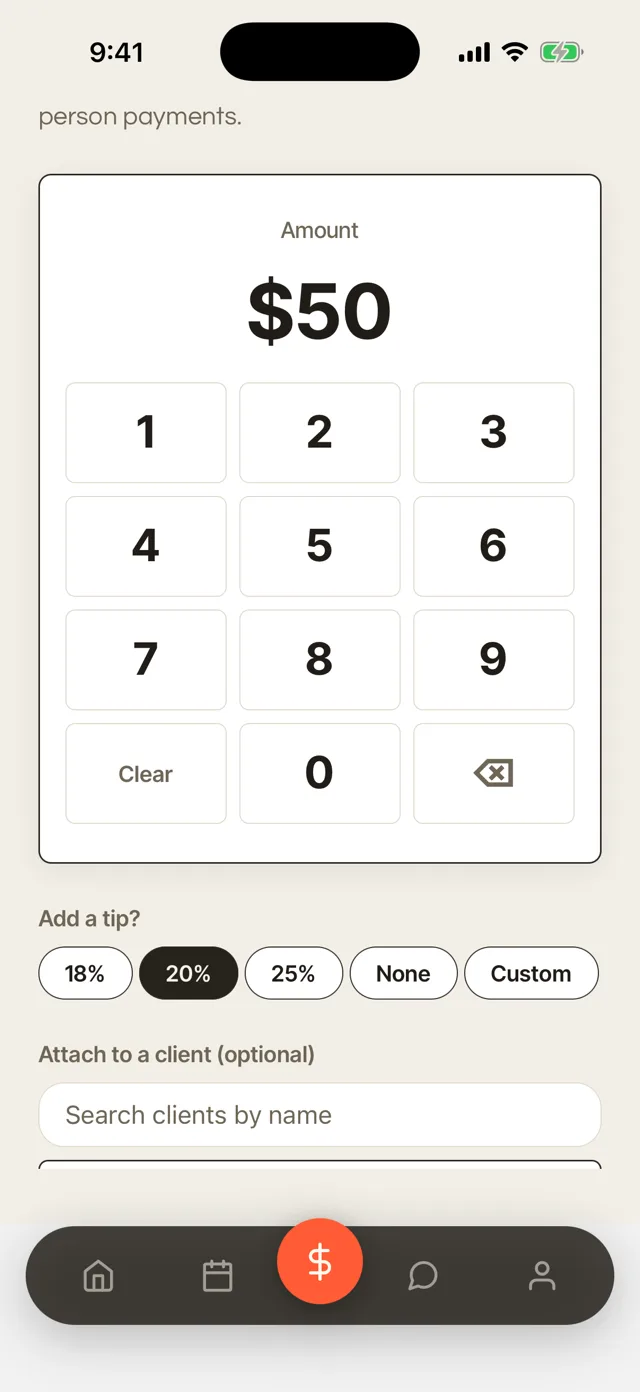
Take the payment at the chair.
Ring up the ticket and the tip together, right where the cut happened.
- Checkout right where the cut happened. No walking the client to a register.
- Tips on every ticket. Built into checkout, not a separate jar.
- One card rate, anywhere. 2.9% + 15¢ on every ticket, no matter how it is rung up.
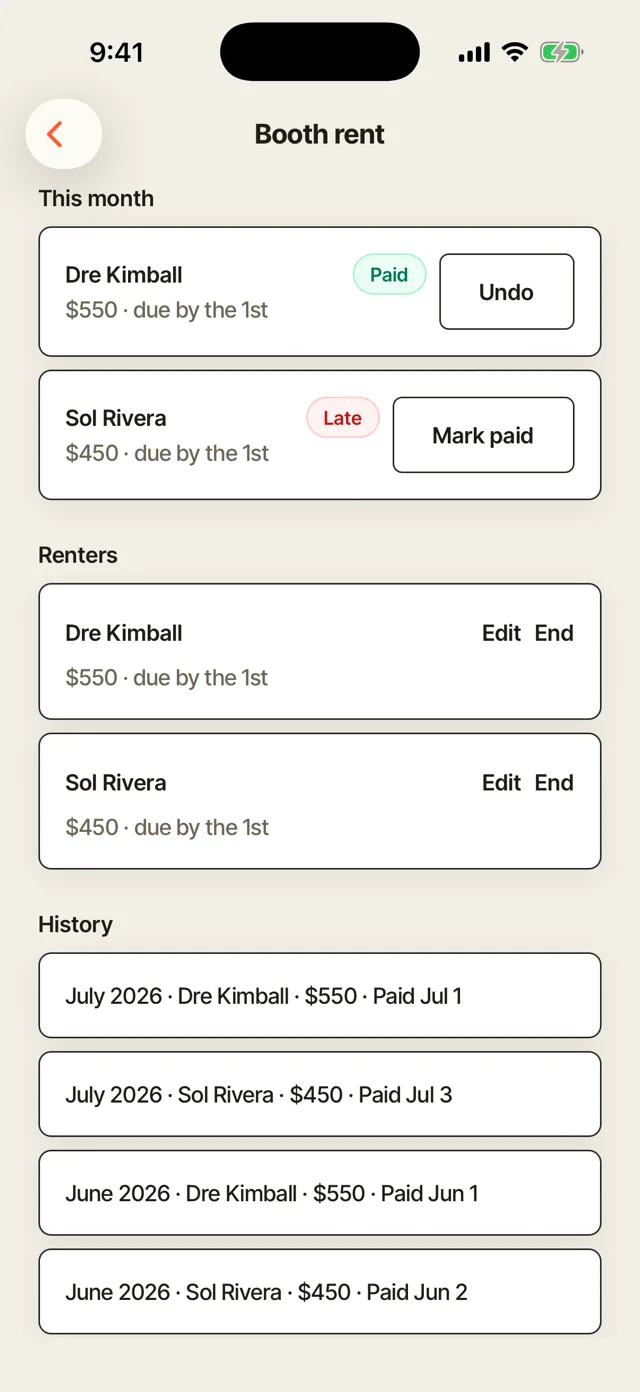
Booth rent, without a spreadsheet.
Who has paid, who is late, and one tap to mark it, without opening a separate ledger.
- This month, at a glance. Every renter, paid or late, on one screen.
- Mark paid in one tap. No separate spreadsheet or text reminder to send.
- History on hand. Past months on record, whenever a renter asks.
Your clients pick: a link, or the app.
Booking, the queue, their history and their receipts, all in a portal that opens from a link, no download needed, or in the Turbo Link app if they'd rather. The link opens right inside Instagram, where most of them found you.
- Nothing to download. A client taps a link and it just works, in the browser they already have open.
- Opens inside the apps they use. The link works from Instagram, a text, or search, no separate install step.
- The app works for clients too. The phone experience above is built for you and your barbers, and it's there for any client who'd rather have an icon than a link.
Keep exploring.
The phone is one view into the shop. Here is where the rest of it lives.
The queue, the book and the money
The full walk-in queue, chairs, booth rent and client history.
Explore the dashboard The shop siteThe prices, the barbers, the Fadehouse template
A designer builds it with you, on your own domain.
Explore the shop site Client experienceWhat your client sees
The queue, booking ahead, their portal and messaging, from their own phone.
Explore the client experience The client bookCut notes, rebook clocks, win-backs
What fills a quiet Tuesday, from the barber's own book.
Explore the client book OverviewBack to the full picture
See the whole shop, from the front chair, in one page.
Back to For BarbersEverything from the chair.
The bays above tell the story. This is the list, so you can check for the one thing you actually came here to find.
Queue & book
- Add a walk-inTwo taps, no walking to a front desk.
- Call the next clientOne tap seats them and the queue moves.
- Today's bookEvery chair's day on one screen.
Clients
- Client messagesOne thread per client, no noreply address.
- Cut notesGuard number, fade, beard and lineup, on the record.
- Booking requestsConfirm or reschedule without switching apps.
Money
- Checkout at the chairCard, tap, or a card on file.
- Tips on every ticketBuilt into checkout.
- Instant payout1.5% when same-day money is wanted.
For clients
- No install, everBooking and history live in the browser.
- Opens inside InstagramThe link works where they found you.
- A real client portalTheir receipts and history, no account required to view a queue.
The questions we get
Straight answers, before you have to ask.
Is this a native app we install on our phones?
Do we need a card reader to take a payment at the chair?
What happens if the shop's Wi-Fi goes down?
Do my clients need the app?
The shop, wherever you are standing.
$29 a month, billed annually. Everything above included.