Nothing to download. Or the app, if they'd rather.
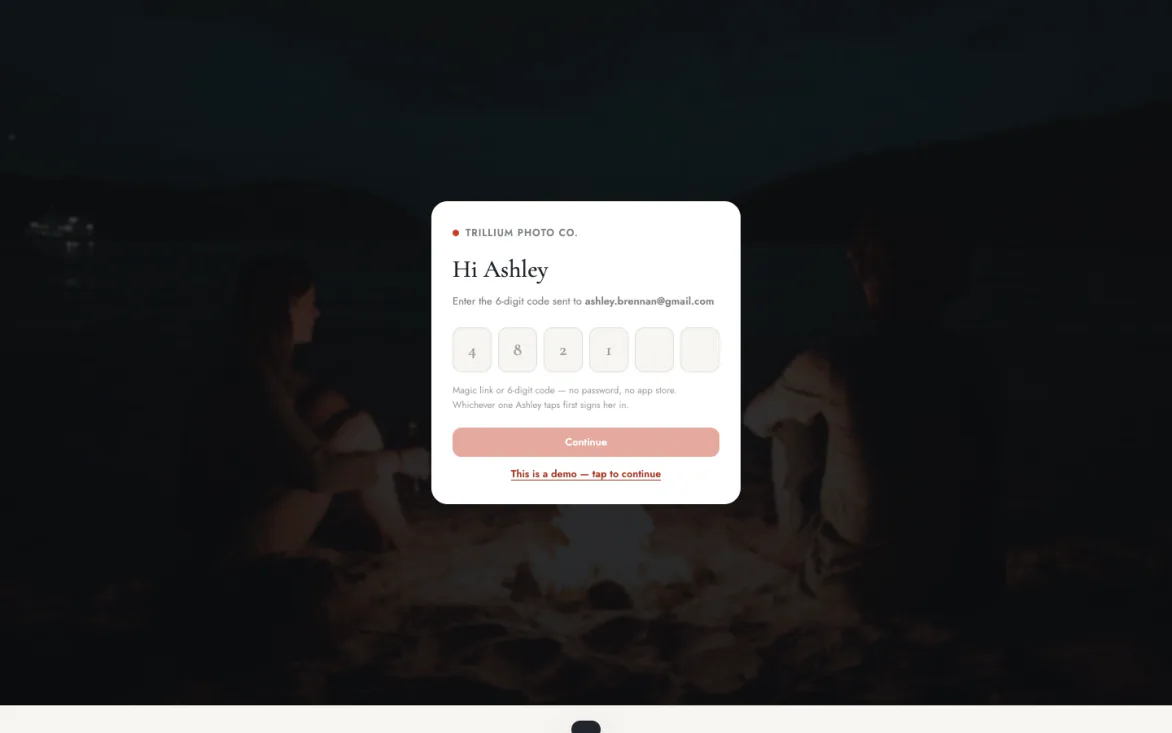
Your client taps a link: from your site, a text, or an Instagram DM, and they're in.
One link. Every way in.
No download, or the app · no password
One portal covers all of it
Sign-in that never fails
A magic link or a 6-digit code. Nothing to download, or the app if they'd rather, and no password to forget. It opens even inside Instagram and Facebook's in-app browsers.
Everything in one portal
Bookings, contracts, invoices, messages, and photos all live behind the same link. Nothing scattered across texts, email, and a separate gallery site.
Family included
A PIN-protected link lets grandparents view the gallery from their own phone. No account, no download, nothing for them to remember.
Even inside Instagram's browser, it just opens
A link opens the portal, wherever it came from.
Send it from a contract, a text, or a reply to a DM, and your client lands straight in, with no download and no “create an account first.” A magic link signs them in on the spot, or they type the 6-digit code you texted. It works inside the in-app browsers Instagram and Facebook force on every link, the exact place a booking used to stall.
- Nothing to download. A link opens the portal wherever it came from, or they can use the Turbo Link app instead.
- Magic link or a 6-digit code. Your client taps the link, or types the code you texted. Either one signs them in.
- Works in the in-app browsers. Instagram and Facebook browsers included, which is where the link usually gets opened.
The contract gets signed before the excitement fades
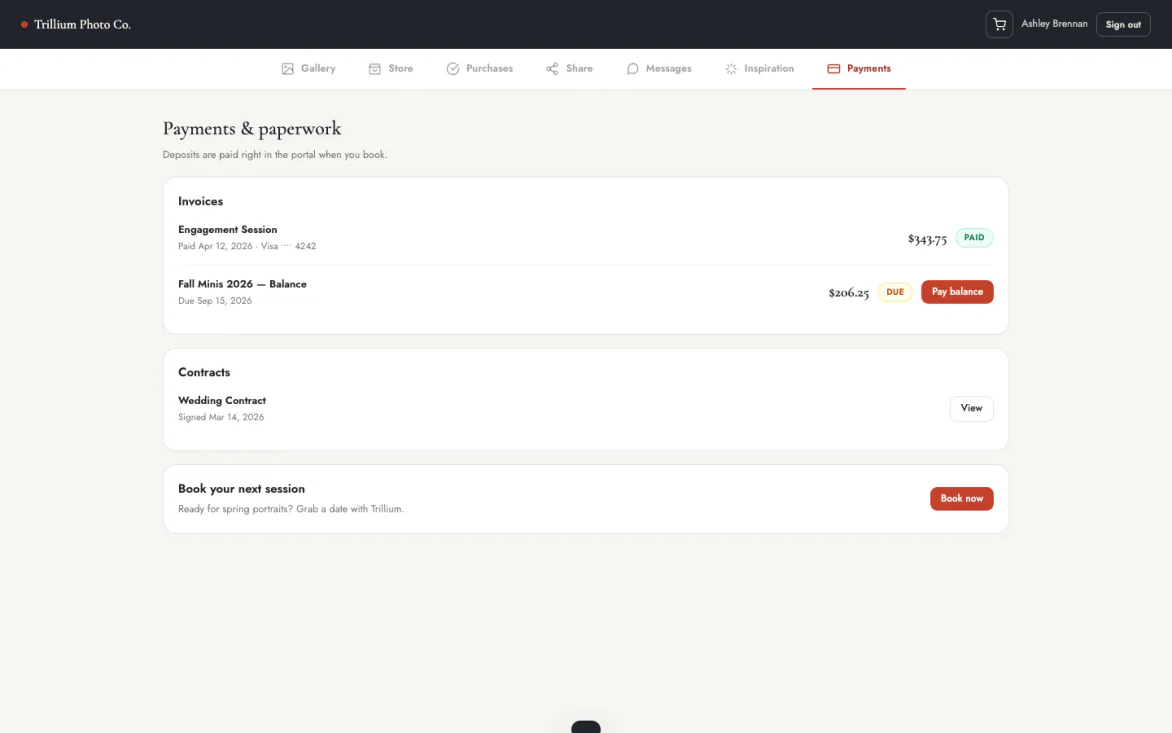
A quote turns into a signed contract in the same sitting.
Your client accepts a quote, and the wedding contract is waiting in the portal that same minute, signed from their phone, with the deposit collected before they put it down. No printing, no scanning, no follow-up email three days later.
- Quote to contract in one sitting. She accepts, and the contract is waiting in the portal the same minute.
- Signed from their phone. No printing, no scanning, no follow-up email three days later.
- Deposit collected on the spot. The retainer is taken before they put the phone down.
Questions land with the photographer, not a noreply void
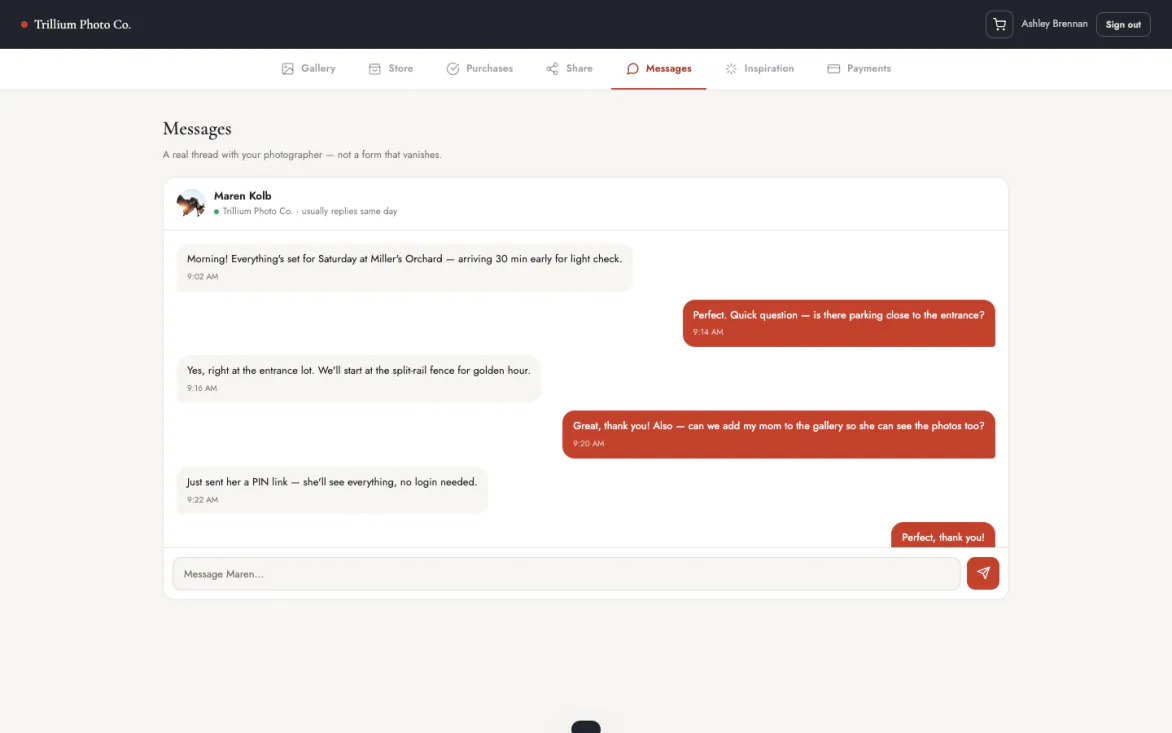
The portal has a real message thread, not a contact form that vanishes.
Your client asks a question from the same screen where the gallery lives, and it's waiting for you the next time you open the dashboard, or your phone.
- A real message thread. Not a contact form that disappears into an inbox nobody reads.
- Asked where the work lives. She asks from the same screen as the gallery, so there is no context to explain.
- Waiting for you either way. It is there next time you open the dashboard, or your phone.
They show you the shot before you take it
Inspiration photos land on the client's record before the session.
Clients share reference photos right in the portal. The mood board from the booking request attaches automatically, and they can add more any time before the shoot. You walk in already knowing the look they're dreaming about.
- Reference photos in the portal. Clients share the look they are dreaming about, in the same place as everything else.
- The booking mood board attaches. Whatever came in with the request lands on the record automatically.
- Added to right up to the shoot. She can keep adding until the day, and it is all on the client record.
Before the session starts
Watermarked until it's paid for. Clean once it's theirs.
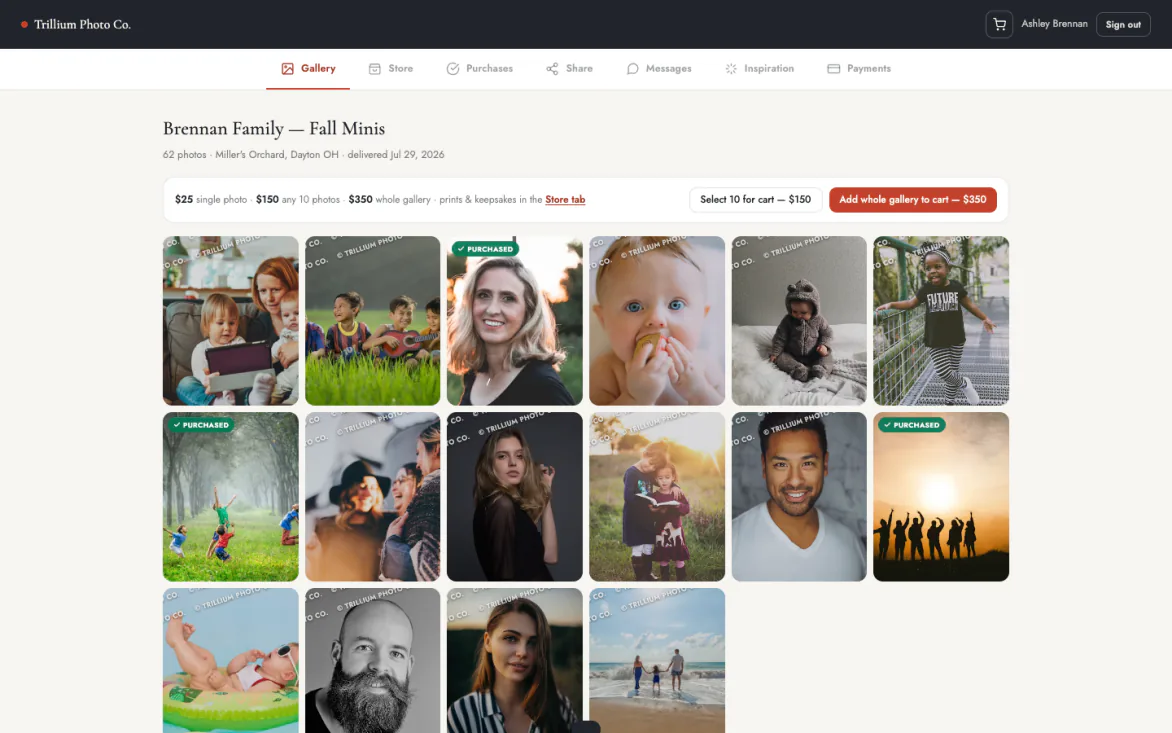
Every preview in the gallery carries your brand, tiled across the image until it's bought or delivered.
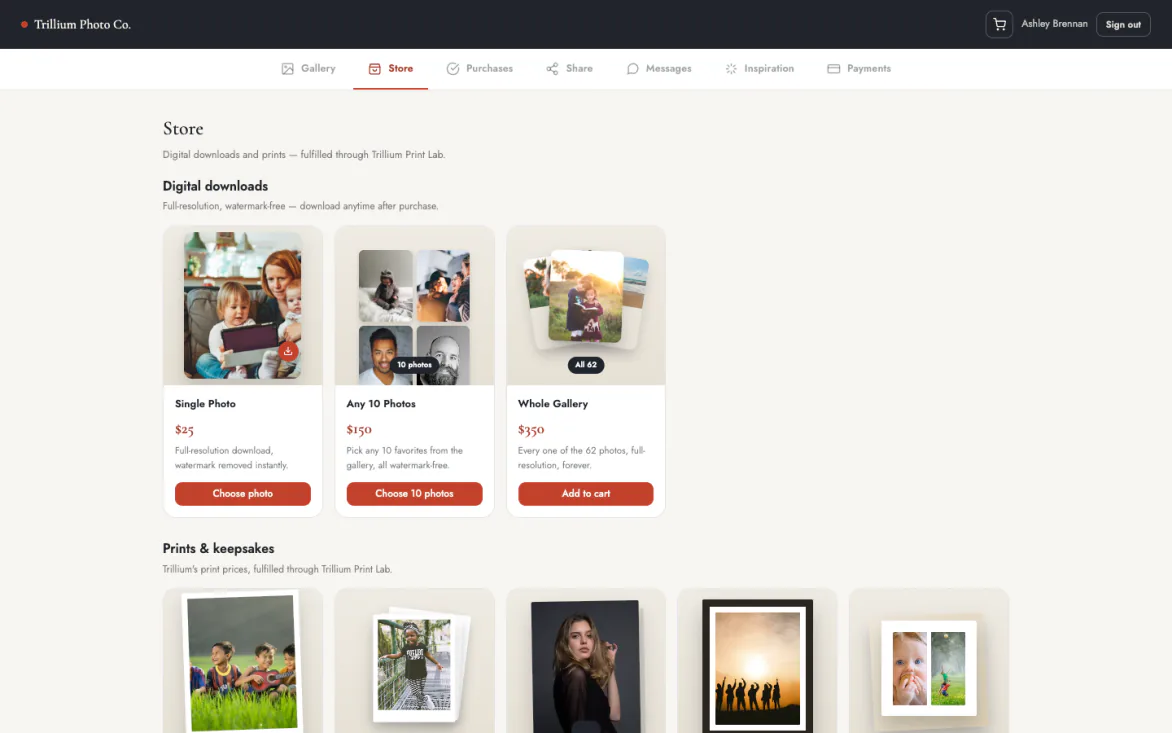
A print store built into the same portal
Prints, albums, canvas, and framed pieces, ordered from the gallery your client is already looking at.
No separate site, no separate account. They pick a photo, pick a product, and check out through the same portal that holds their contract and their messages. You set every price.
- Prints, albums, canvas, framed. Real lab products, ordered from the gallery they are already looking at.
- No second site or account. Same portal that holds their contract and their messages.
- You set every price. The studio’s price sits above a lab cost you can see.
Galleries expire. What they bought doesn't.
Set a gallery to expire, and it closes right on schedule.
Previews come down, sharing stops. Anything actually purchased stays theirs at full resolution, with no clock running on it.
- Expiry on a schedule. Set the date and the gallery closes on it. Previews come down, sharing stops.
- Purchases are permanent. Anything bought stays theirs at full resolution, with no clock on it.
Purchases outlive the gallery
Guests view the gallery without creating anything
A PIN-protected link lets family see the shoot from their own phone.
No account, no app, nothing to remember but four digits. It's a view-only window into the same gallery, not a copy that drifts out of date.
- Four digits, nothing else. A PIN-protected link lets family see the shoot from their own phone.
- View-only, always current. A window into the same gallery, not a copy that drifts out of date.
Grandma's in, no login
The whole client side
Everything your client gets.
What the person paying you actually experiences. Nothing to download, or the app if they'd rather, and no password to reset either way.
Getting in
- Nothing to downloadA link opens the portal, or they can use the app instead.
- Magic link sign-inOne tap and they are in, no password made or forgotten.
- 6-digit codeType the code you texted if the link is awkward.
- In-app browsers workInstagram and Facebook included, where links usually open.
Before the shoot
- Book onlinePick a session, a date, and a time that is really free.
- Sign the contractFrom their phone, minutes after saying yes.
- Pay the depositCollected before they put the phone down.
- Share inspirationReference photos land on their record before the session.
- QuestionnairesThe details you need, answered in their own time.
- Session planThe run of show and the shot list, shared before the day.
The gallery
- Watermarked previewsYour brand across the image until it is bought.
- Clean files once paidFull resolution, theirs to keep.
- Pick favoritesMark the selects without a spreadsheet.
- Leave notesEditing requests attached to the actual photo.
- Download controlThe whole gallery or one photo at a time.
Buying
- Print store in the portalPrints, albums, canvas, and framed pieces.
- Crop previewThey see what an 8x10 will actually cut off.
- Share links with a PINFamily view with no account; buying takes a quick sign-in.
- One cart, one paymentDigital and print in the same checkout.
- Shipping shown up frontThe real quoted cost, not a surprise at the end.
After, and for family
- Guest PIN linksFamily views from their own phone with four digits.
- View-onlyA window into the same gallery, never a stale copy.
- Galleries expirePreviews come down on the date you set.
- Purchases do notAnything bought stays theirs, with no clock on it.
- Message threadQuestions land with you, not a noreply address.
What clients ask before they ever ask you
Straight answers, before you have to ask.
Do my clients need the app?
No. The portal needs no download: a link opens it whether it came from your site, a text, or an Instagram DM, with no account to create first. The app is there too, for any client who'd rather have an icon on their phone instead of a link. It is the same Turbo Link app either way: the first time it opens it asks whether they are a professional or a client, and it takes them to their own side.
What if they lose the link?
They ask for a new one. A fresh magic link or 6-digit code goes straight to their email or phone. No support ticket, no waiting on you.
Do downloads expire?
The gallery itself can, if you set it to. What they've actually purchased doesn't: it stays downloadable at full resolution after the gallery closes.
Can I password a gallery?
Yes: a password on the whole gallery, or a PIN link for people you want to share with, like family, without giving them an account. That's your call, set per gallery from the studio dashboard.
Start with the client's first login.
Studio · per month, billed annually