The studio, running from your pocket
Take a payment at the shoot. Answer a client from the car. Approve a caption while it's still golden hour. It's the same studio as the dashboard, just wherever you're standing.
The demo opens a working phone view in your browser: accept a request, charge a card on file, approve a caption. Sample data, nothing to install.
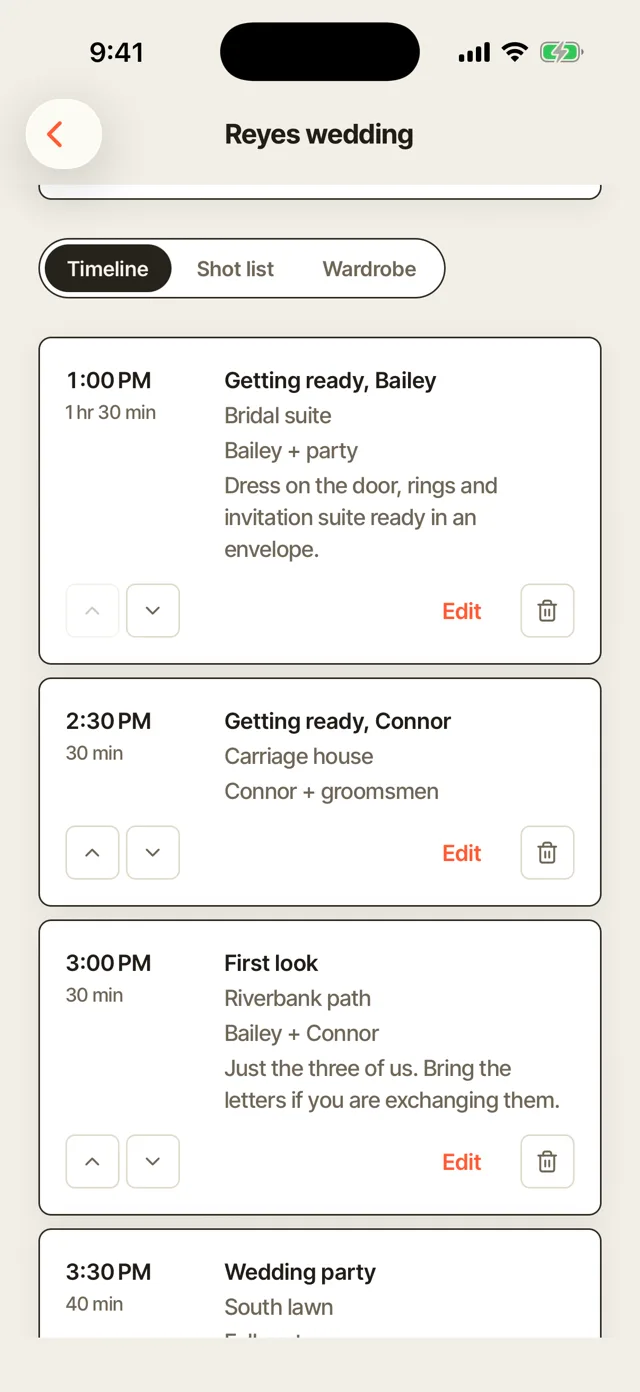
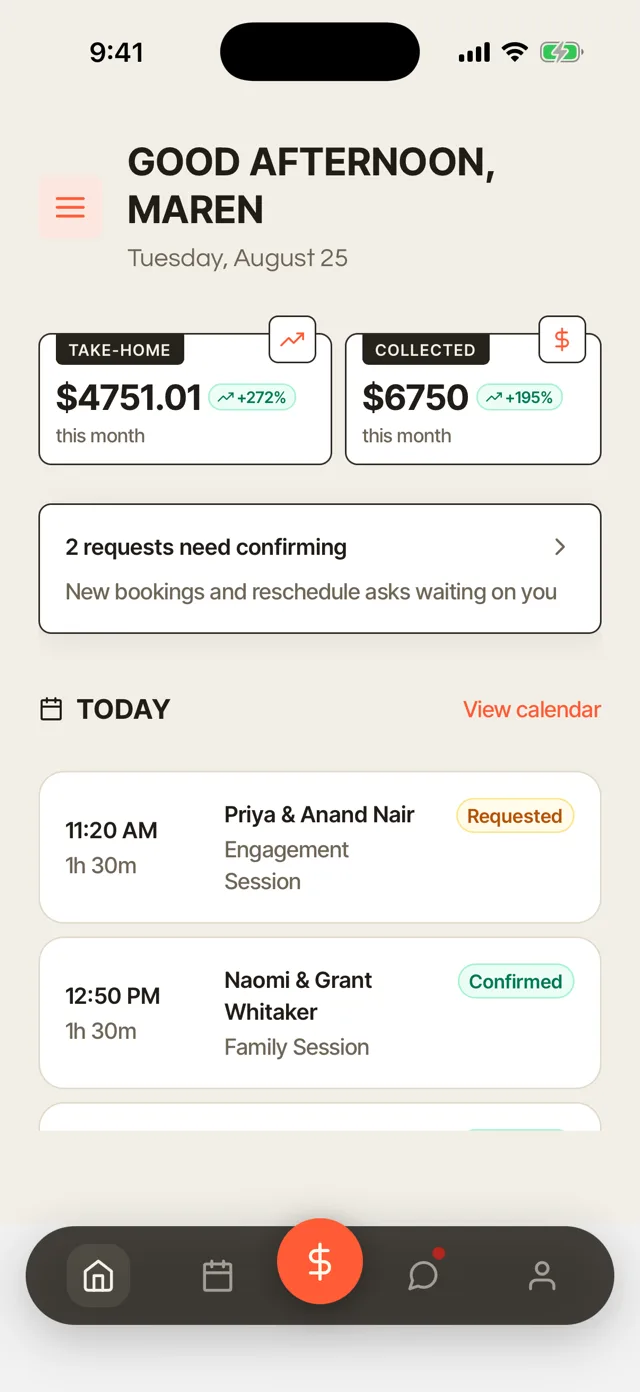
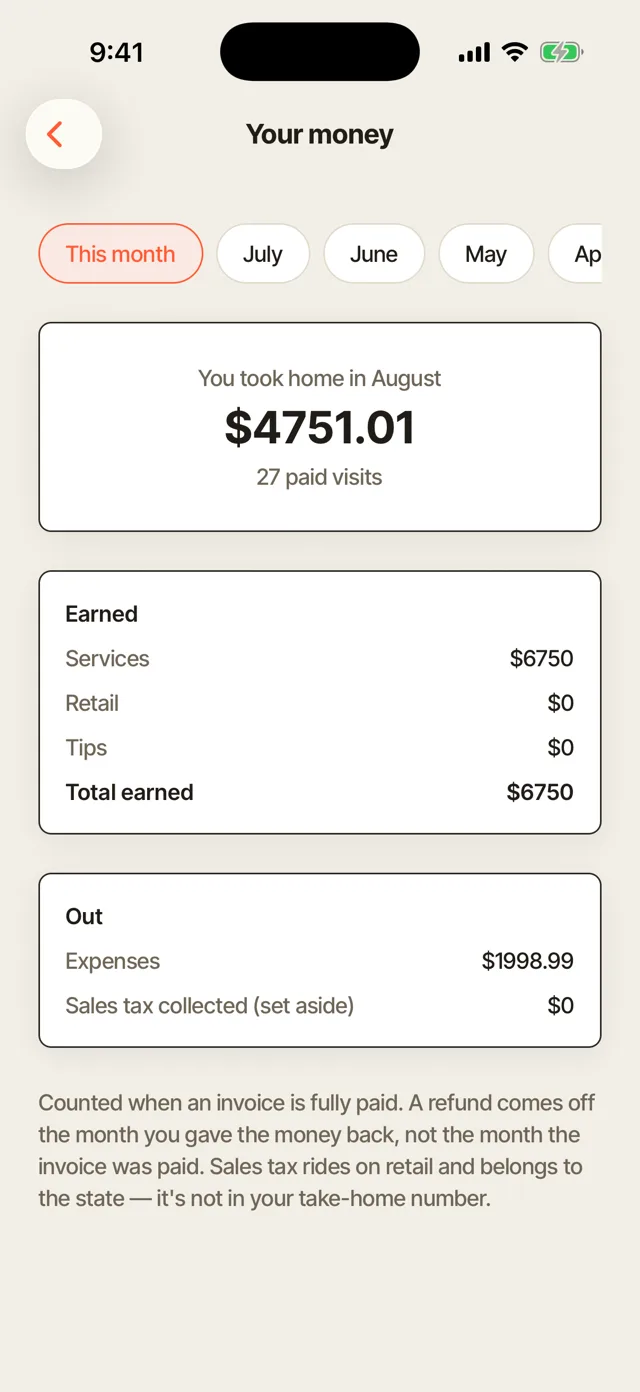
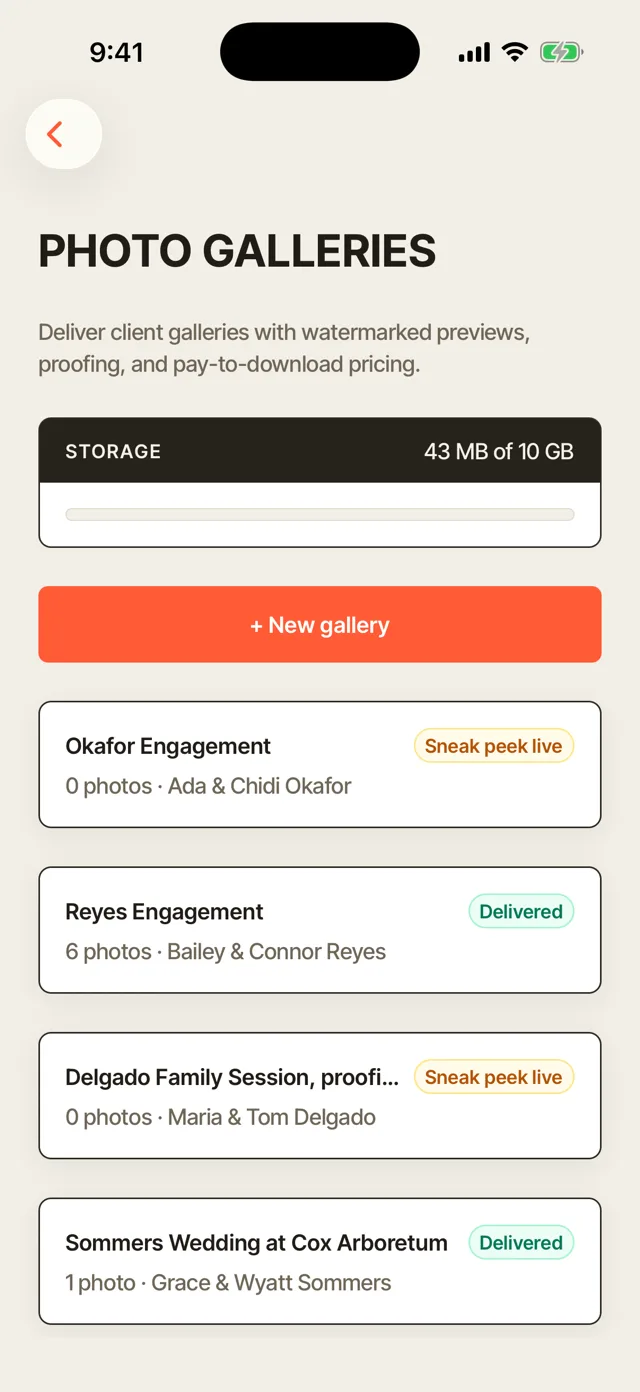
Demo · Trillium Photo Co. · the app
Wherever you are standing
Five things the studio does from a phone
Each one is the app itself, running on Trillium Photo Co.'s own data.
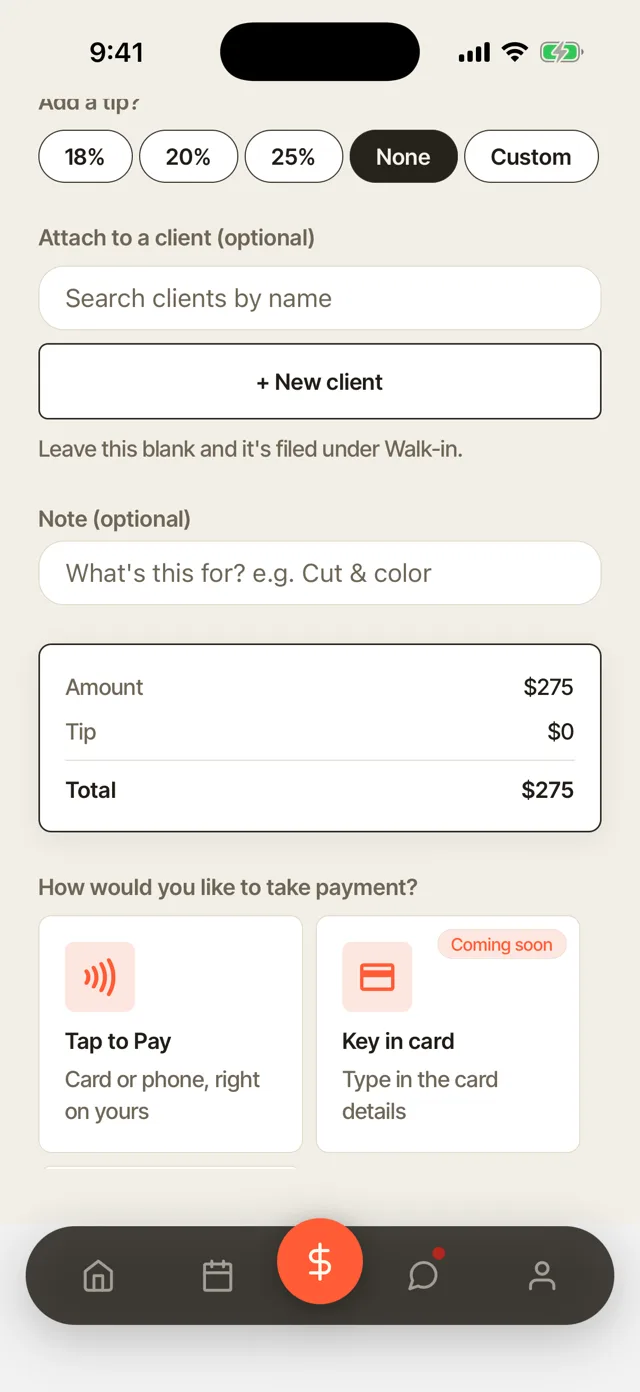
Take a payment before you pack the car
Tap to Pay on iPhone takes the card on the phone already in your hand. No reader, no dongle, nothing extra in the bag.
- Tap to Pay on iPhone. The card taps against the phone already in your hand.
- A card already on file. Charge the balance without asking them to dig a wallet out of a bag.
- Payment links, mid-shoot. Send one from the field and watch it clear before the gear is packed.
- Instant payout when it’s wanted. 1.5% for same-day money, and nothing extra to wait for the standard schedule.
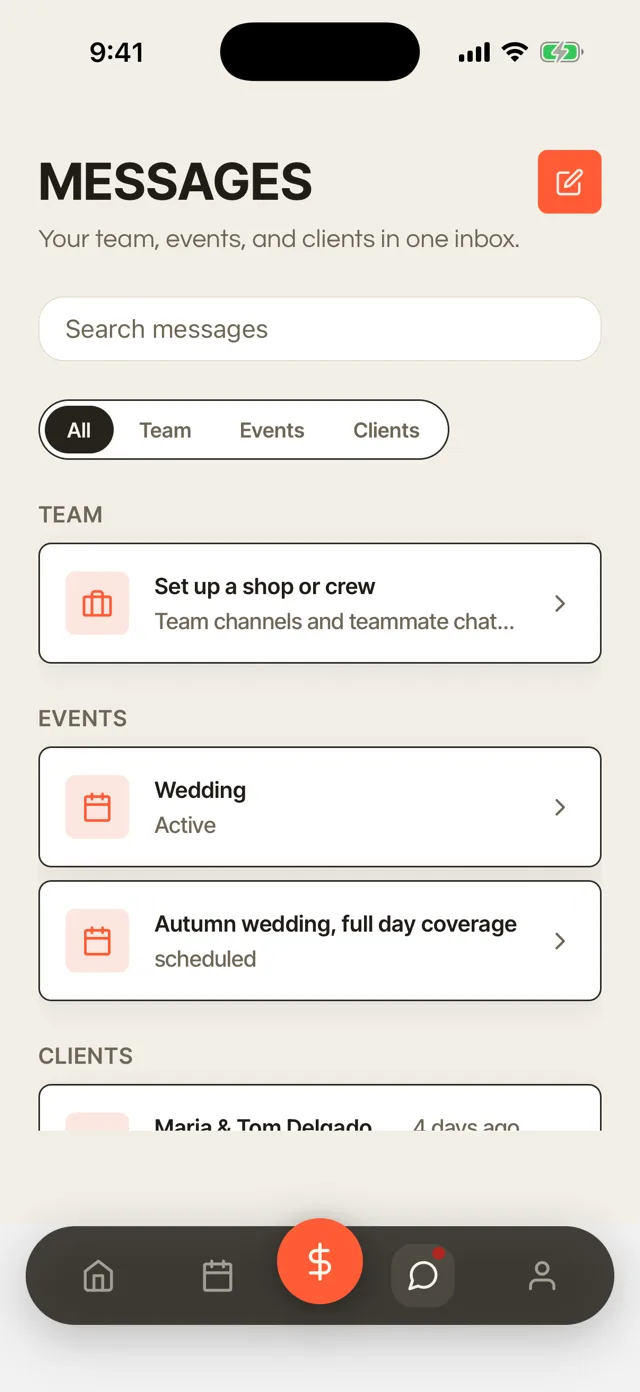
Client messages, answered before you’re home
Messages land in the app the second they are sent, and reply from wherever you are standing.
- Messages arrive live. A client question lands in the app the second it is sent.
- Reply from anywhere. Answer from the car instead of finding it in a text thread at nine that night.
- It stays on the record. Every message files against the client, so nothing gets answered twice.
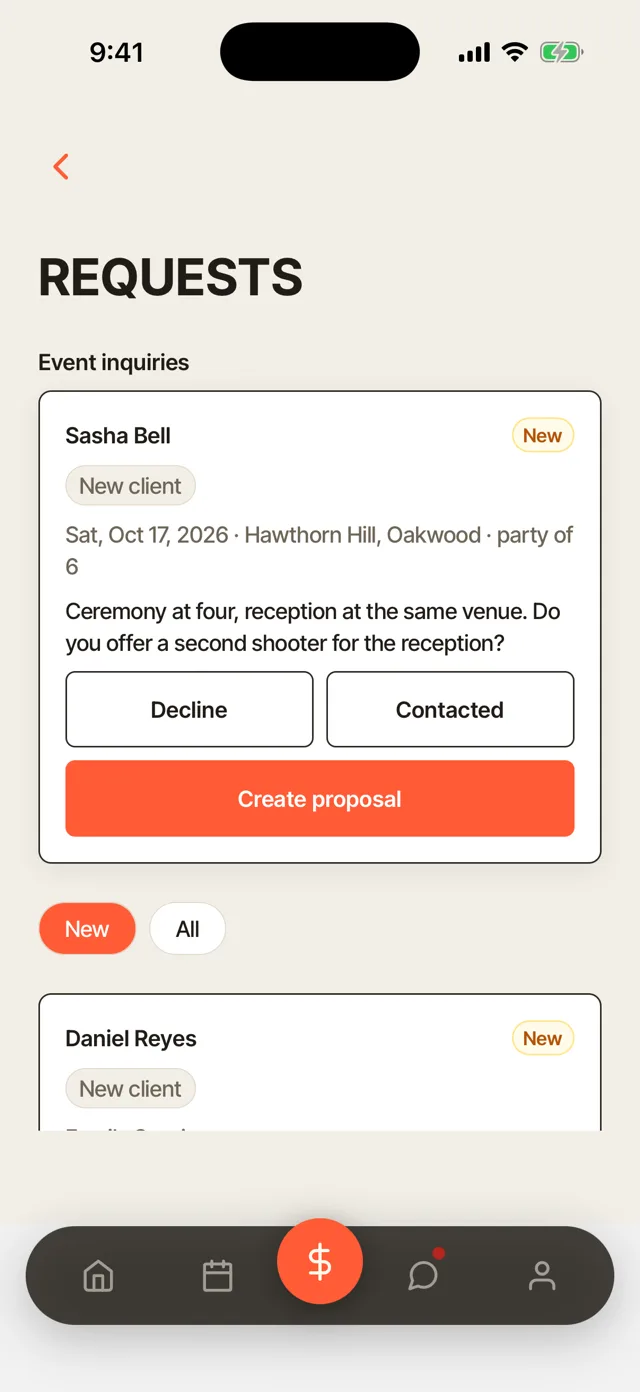
Accept a booking from the couch
A new request arrives with the client’s details already attached.
- Details already attached. A new request arrives with the client’s information filled in.
- Accept with one tap. It lands on the shared calendar the moment you say yes.
- No double-booking. The date is held on acceptance, so two people checking two lists cannot collide.
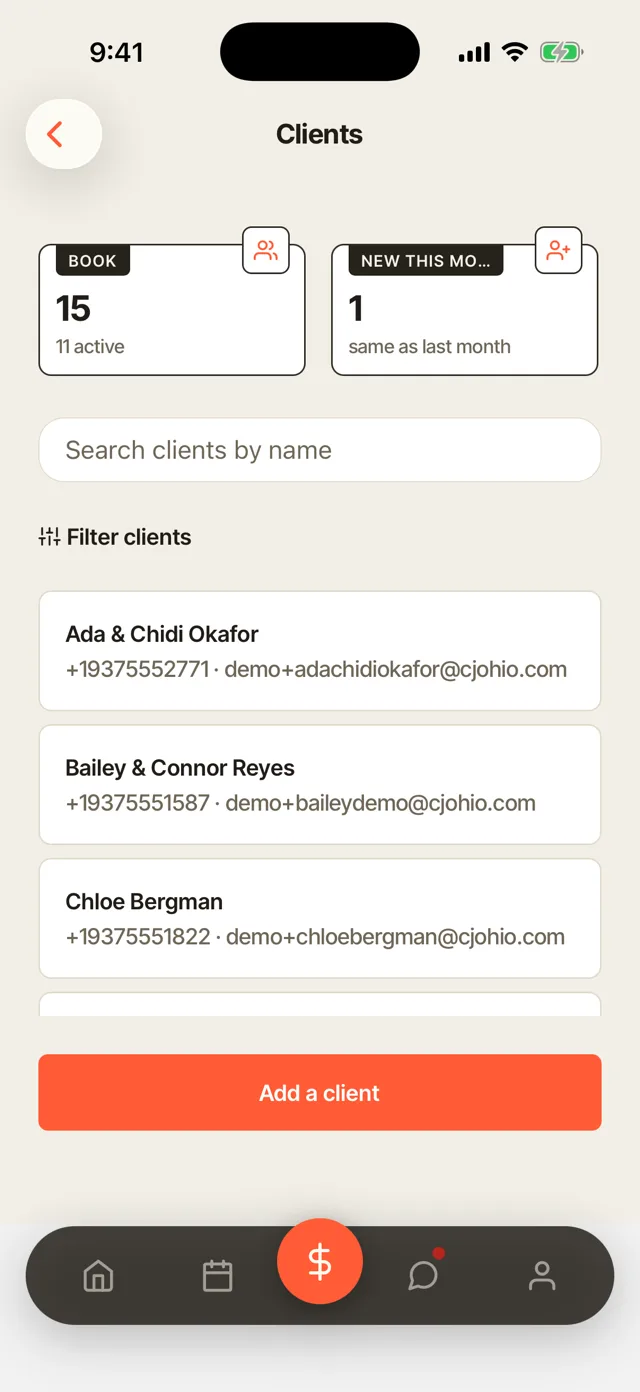
The client’s whole history, before you call back
Sessions, payments, signed contracts and last year’s notes, all on the record.
- The whole record, on a phone. Sessions, payments, signed contracts, and last year’s notes.
- An inspiration board. Reference shots save to the client’s profile instead of scattering across threads.
- Know before you call. You already know what you are walking into before you pick up.
Deliver a gallery, approve a caption, all from here
Upload finals from your phone and the gallery goes live, watermarked, with the store on.
- Upload from the field. Finals go up from the phone and the gallery goes live.
- Captions drafted for you. Social Studio writes from the work you just shot, in the studio’s voice.
- Approve and it posts. One tap sends it to the connected networks before the light is gone.
Every booking has two people in it.
This page is your side. See what your client sees too, their portal, their gallery, their messages, laid out next to yours.
The whole app
Everything in the app.
The same studio as the dashboard, sized for one hand. This is the list.
On a shoot
- Take a paymentTap to Pay on iPhone, card on file, or a payment link.
- Upload finalsSend the shoot up from the field, no laptop involved.
- Deliver a galleryPublish it watermarked with the store already on.
- Check the dayToday’s sessions, times, and who is shooting what.
Bookings
- New requestsArrive with the client’s details already attached.
- Accept or declineOne tap, straight onto the shared calendar.
- Double-booking blockThe date is held the moment you accept it.
- RescheduleMove a session and everyone’s calendar follows.
Clients
- Client messagingA real thread per client, answered from anywhere.
- Full client recordSessions, payments, contracts, and notes.
- Inspiration boardReference shots saved against the client.
- Rebook filtersDue, overdue, at-risk, birthdays this month.
- Add a clientCreate the record on the spot, at the shoot.
Money & paperwork
- InvoicesSend and track without opening a laptop.
- DepositsTake the retainer when the booking is made.
- Instant payout1.5% when the money is wanted the same day.
- Send a contractFire off a template and get it signed from their phone.
Marketing
- Caption draftsWritten from the gallery you just shot.
- Approve and postGoes out to the connected networks on one tap.
- Portfolio editsReorder the public portfolio from the phone.
Fair questions, straight answers
The app, before you download anything.
iPhone or Android?
The Turbo Link app is built for you, the photographer running the studio, either way. Your clients choose their own side: a portal that opens from a link with nothing to download, or the Turbo Link app if they'd rather have an icon on their phone. See what they see on the app tour.
Do I still need the desktop dashboard?
No. It's the same studio, not a separate one. Sessions, clients, galleries and money stay in sync whether you're on your phone at a shoot or at a desk running the books; use whichever screen is in front of you.
How do payments actually work on the phone?
Three ways: send an invoice, charge a card already on file, or fire off a payment link the client can pay in seconds. Instant payout is optional, at 1.5%, if you want the money same-day instead of on the standard payout schedule.
Start with the demo.
Studio, per month, billed annually