The deposit is paid before the ink starts.
Turbo Link Studio runs the deposit, the consent form, and the flash board, and keeps a sleeve or a back piece as one project instead of a pile of disconnected appointments. One login, one subscription, and a real person who answers when you call.
$39 Trade, per month, billed annually One subscription runs all of it: the deposits, the consent forms, the flash board, the projects and the shop site. See what is included.
One shop, five systems. Open any of them:
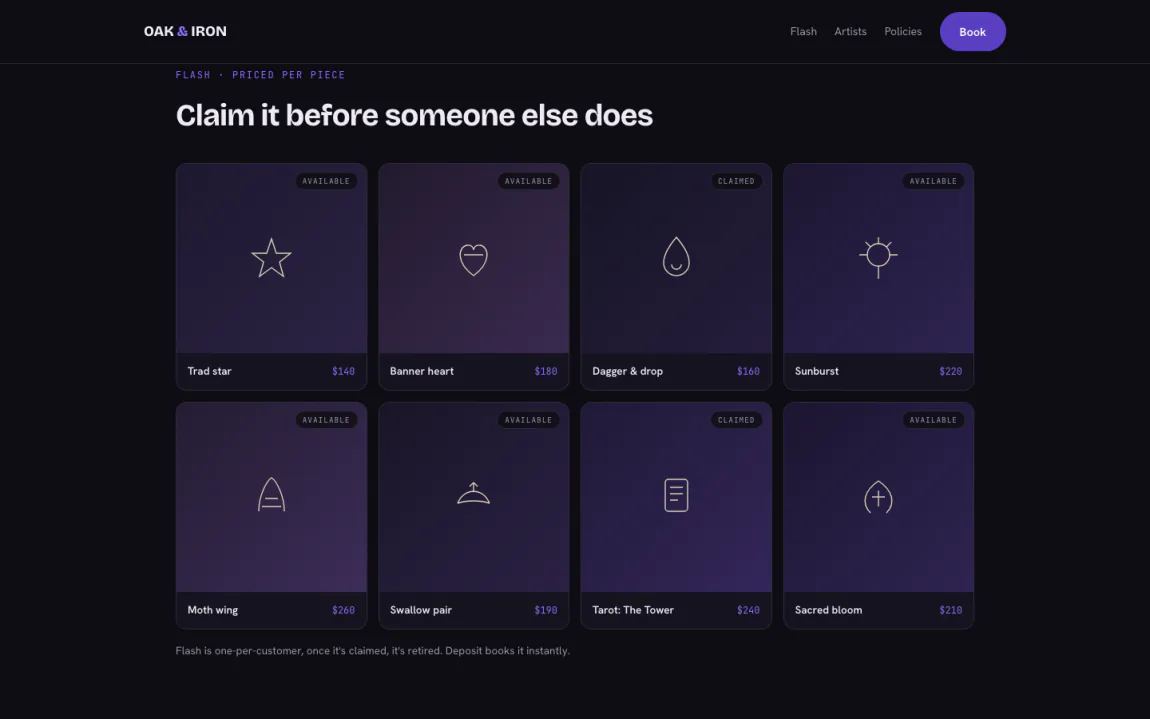
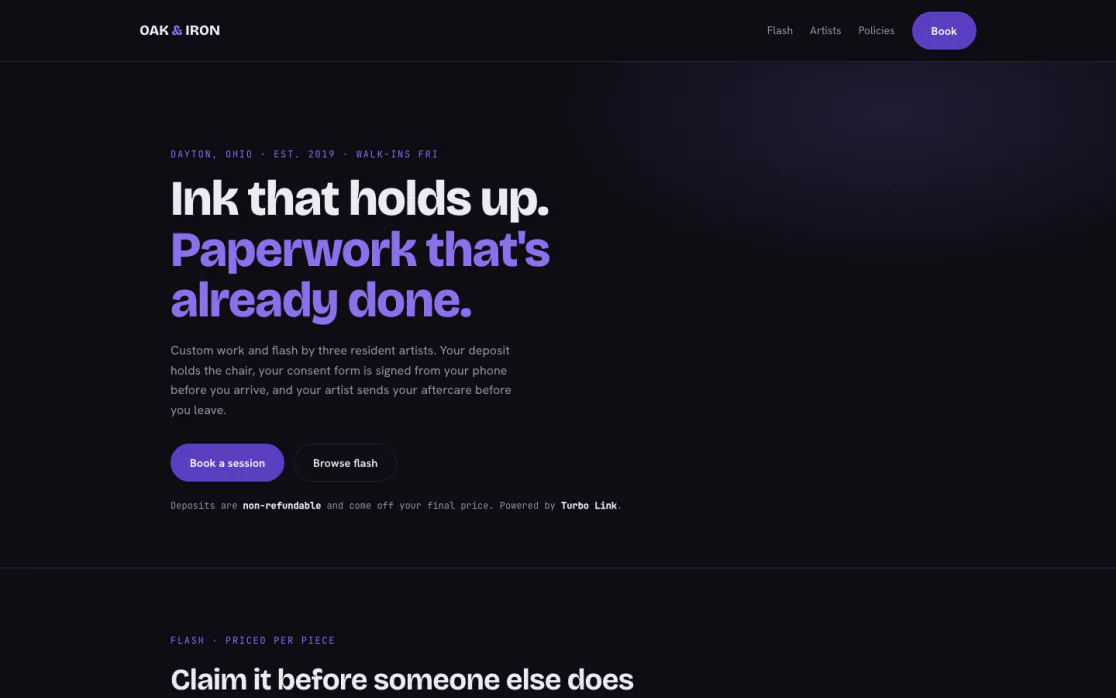
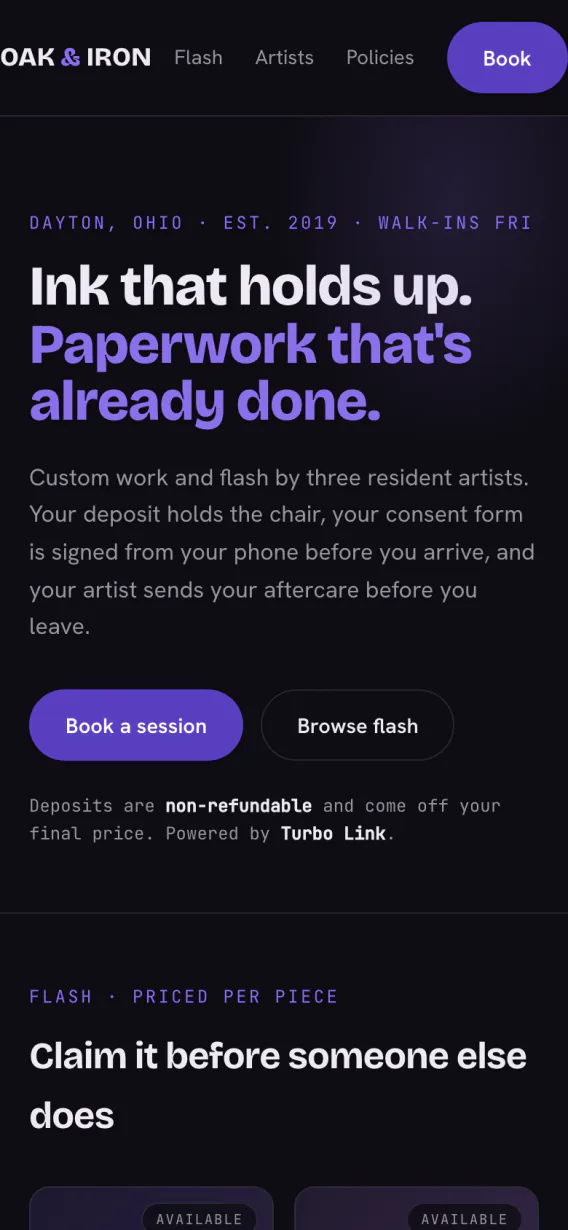
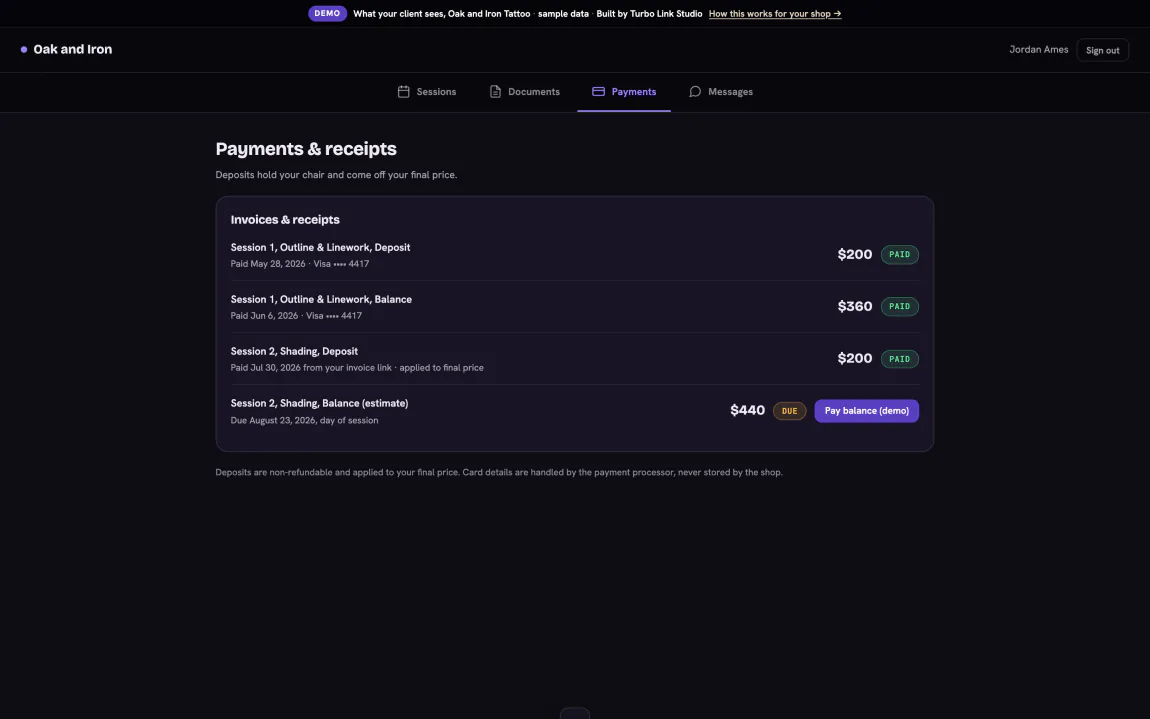
Demo · Oak & Iron Tattoo, Dayton OH · real screens from the product
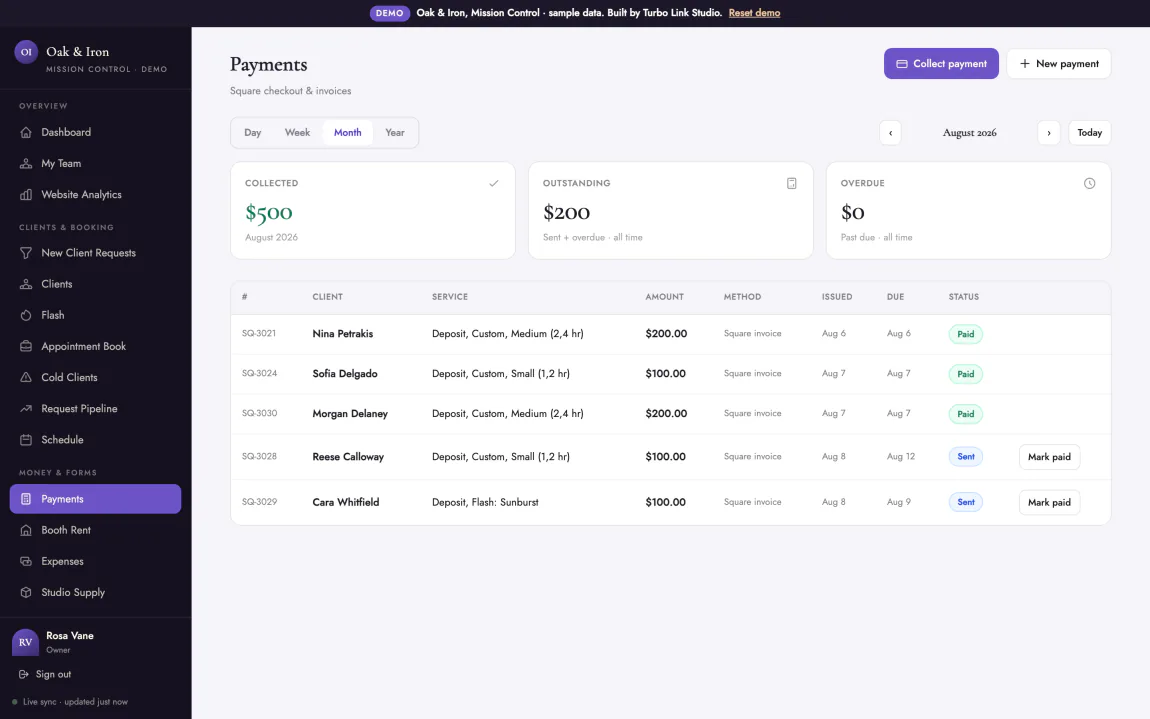
A no-show costs them, not you.
Set a deposit percentage on any service and a real deposit invoice, with a pay link, goes out the moment the appointment is booked.
- A percentage, not a flat guess. The deposit is set as a share of the service, so a half sleeve session and a small flash piece each hold a deposit that matches the work.
- The pay link goes out at booking. The invoice is sent the second the appointment lands on the book, not a note to Venmo you from the chair.
- A card can be held on file. For a client you trust to show, authorize a card instead of collecting a deposit up front.
- The slot was never free to begin with. If they no-show, the deposit is already paid. The day is not a total loss.
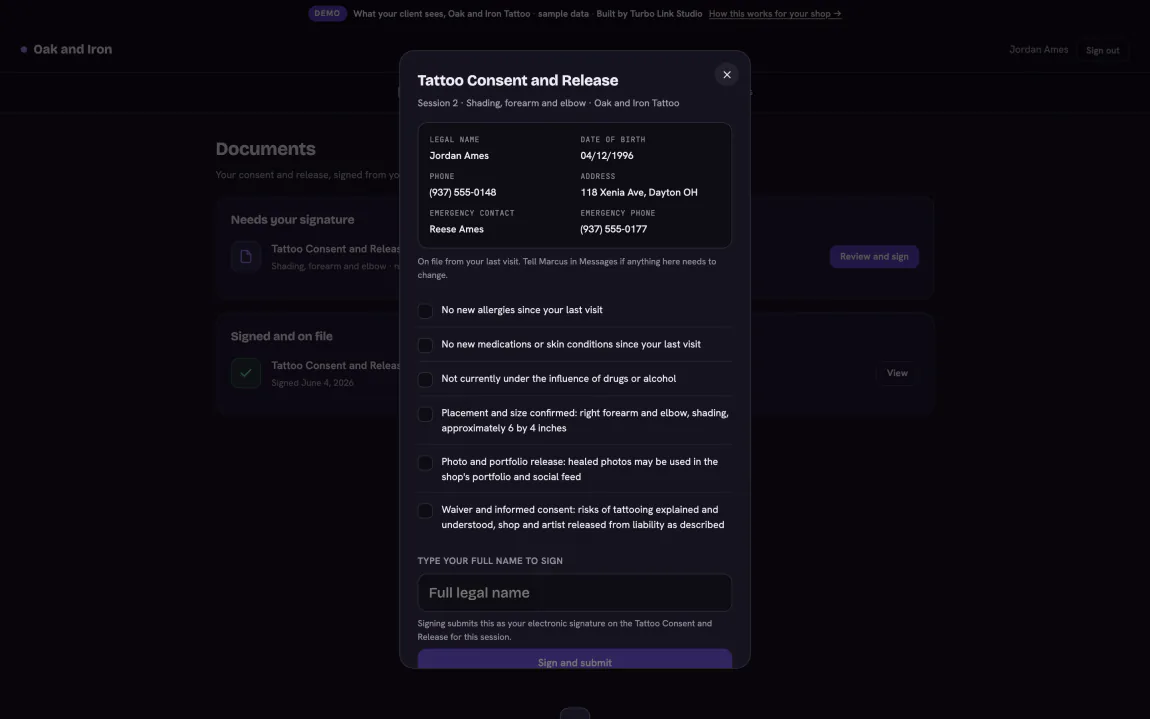
Signed on a phone. Not a clipboard.
The builtin Tattoo Consent and Release covers thirteen typed fields, signed on a phone before they sit down, and stored against their record.
- Built for the trade, not repurposed. Thirteen fields written for a tattoo consent and release, not a generic waiver with your shop's name pasted on top.
- Stored against the client, for good. Once it is signed it lives on their record, not in a binder at the front desk.
- A gate per session, not a formality. Every session shows its own consent status, so nobody sits down before the form is signed.
- Any session, any year, one tap. Pull it back up for a touch-up years later without digging through a drawer.
- Nothing to lose, nothing to sanitize. No paper clipboard passed from hand to hand at the door.
Price it the way you actually work.
Flat, hourly, or flash per piece: real pricing models per service, not one number stretched over every kind of work.
- Flash, priced per piece. Put a price next to every flash design, right on the page they book from.
- Hourly for the open-ended sessions. Sleeve work and custom pieces bill by the hour instead of a guess.
- Flat for the rest. Small, simple pieces get one clean number.
- The deposit follows the price. Whichever model a service uses, the deposit invoice reads off the real price, not a flat guess.
A sleeve is one project, not six appointments.
Multi-session work is tracked as a single project with its own name and status, not a pile of bookings that happen to be for the same person.
- One thread for the whole piece. Every session against a sleeve or a back piece sits under one project, start to finish.
- Named the way you'd say it. "Sarah's forearm sleeve," not four appointments with nothing tying them together.
- Status you can see at a glance. What's in progress, what's healed, what's booked next, without scrolling months of the calendar.
- History that travels with the piece. Reference photos and notes from session one are still there at session four.
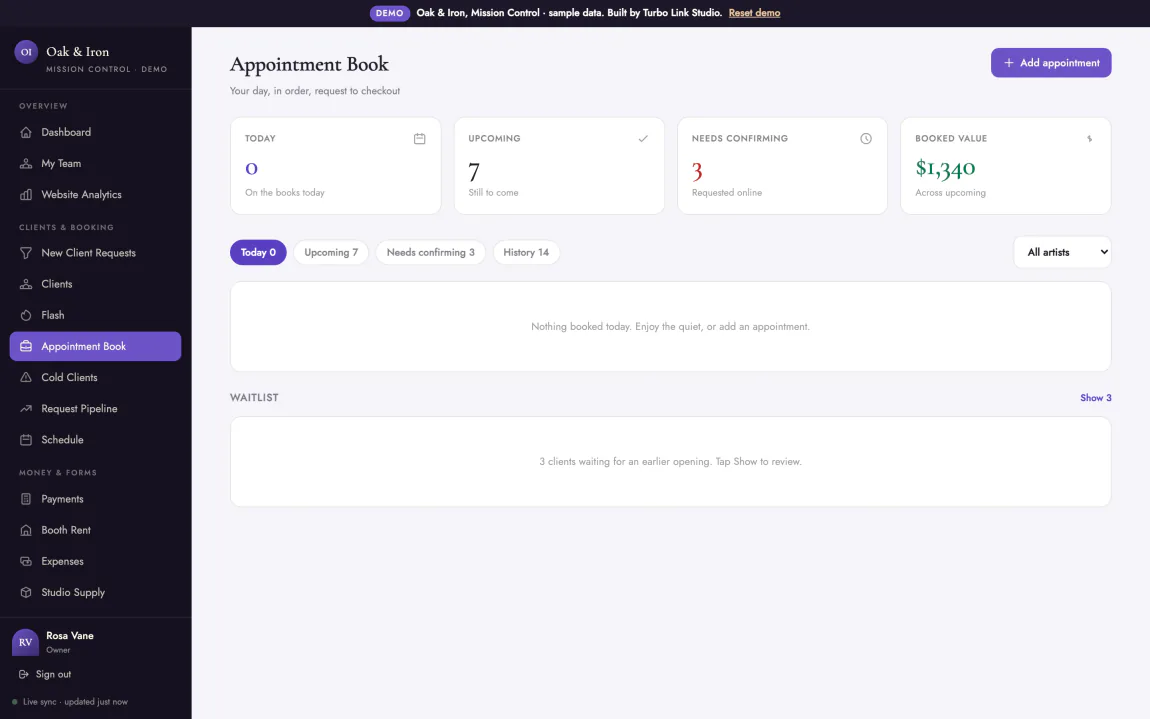
Booth rent, tips, and the payout, settled.
Payments, tips, instant payout, and booth rent per artist, so the shop's money is one ledger instead of a side spreadsheet.
- One card rate. 2.9% plus 15 cents, whether they pay in the shop or from the deposit link.
- Tips are on the ticket. Every checkout carries its tip, not a jar by the register.
- Instant payout if you want it. Standard payouts are free; same-day money is 1.5% when you ask for it.
- Booth rent, per artist. Who has paid and who is due, without a group text.
A guest artist works the project, not your shop.
Assign a guest spot, an apprentice or a second artist to one project, and they see that project only.
Invite them by email before they have even made an account. They accept or decline and say which days they are free. They work the same checklist, see what to bring, and talk to whoever else is on the piece in a thread the client never sees. They sign their own paperwork. If the shop is set up as a team, you record their cut and mark it paid, or set standing terms and let them remit yours. A solo artist settles up outside the app.
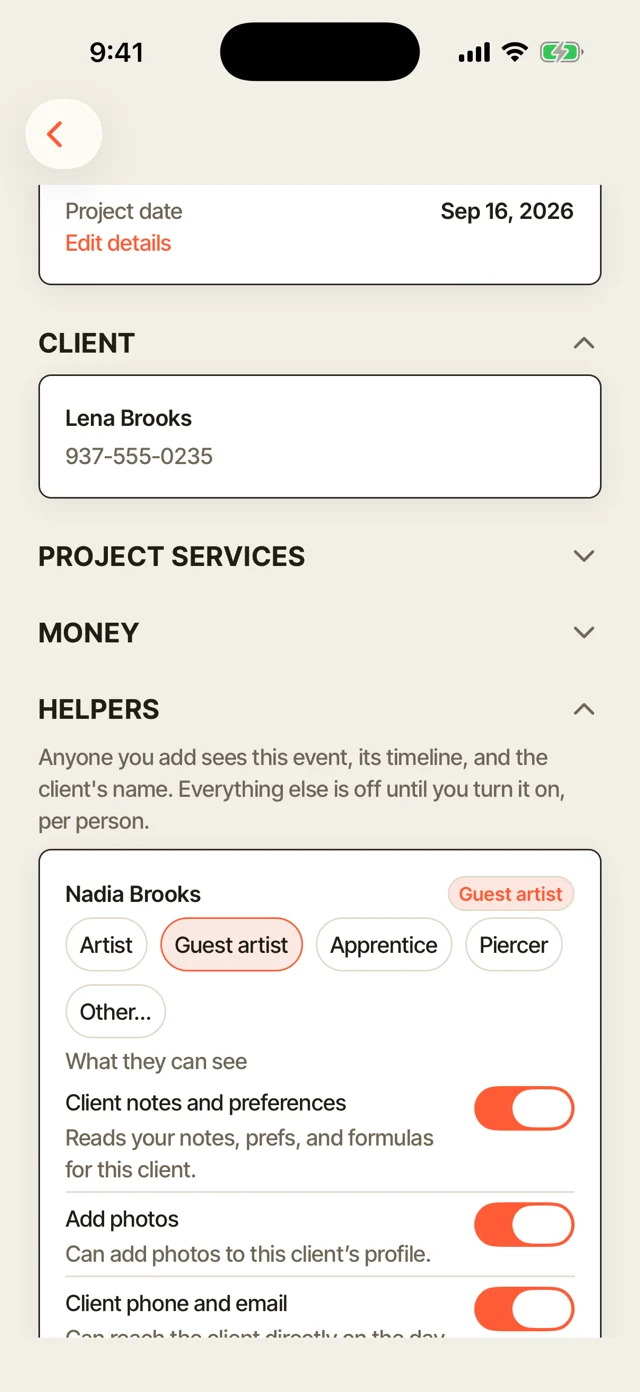
Seven switches, set per person and per project. An apprentice sees the schedule and nothing else. A guest artist sees the client and the reference but not what the piece sold for. Your co-owner sees all of it.
Everything in the flat file.
One subscription, one price. If it is not listed here, it is not part of Turbo Link.
- Booking, CRM, invoicing & contracts
- Deposits invoiced at booking, card on file
- Tattoo Consent and Release, signed on a phone
- Flash, hourly & flat pricing per service
- Projects for multi-session work
- Front desk check-ins, waitlist & inventory
- Client book, two-way messages & portal
- Payments 2.9% + 15¢, tips on every ticket
- Instant payout, 1.5%, optional
- Booth rent, per artist
- Guest artists on a project, with per-person access
- Client export, your list is yours
- Custom domain & team logins
- Fully custom site build from $349, one time
- Client texts, 100 a month included
- A real person who answers the phone
Month-to-month is $45 Trade, $95 Team, $155 Team Plus. Annual is the number above.
Three optional add-ons: Social Studio at $15 a month, a text bundle at $15 a month if 100 client texts is not enough, and Premium Marketing at $149 a month if you want the marketing itself handled.
Annual is $6 a month less. We would rather show both than hide one.
No contract on the subscription either; it is month to month, cancel whenever. A contract applies only to a custom build or the Premium Marketing add-on.
Every system, every feature
The whole flat file, in one place.
The bays above tell the story. This is the list, grouped by the page it lives on, so you can find the one thing you actually came here to check.
The shop site
- Flash, priced per pieceRight on the page they book from.
- A page per artistBio, specialty, and their own work.
- Custom domainYour own address, built to be found in search.
The dashboard
- Session bookOne shared calendar, no double bookings.
- Front desk check-ins & waitlistWalk-ins in the same queue as booked work.
- Flash & inventoryManaged from the back office, live on the site.
Deposits & consent
- Deposit invoicesA pay link sent the moment it is booked.
- Card on fileHold a card instead of a deposit up front.
- Tattoo Consent and ReleaseThirteen fields, signed on a phone.
The client book
- ProjectsA sleeve or back piece, tracked as one thread.
- Who has not been backSorted by last visit, you decide who to reach.
- Touch-upsBooked like any other appointment.
Money
- 2.9% + 15¢One card rate, in person or online.
- Instant payout1.5%, only when same-day money is wanted.
- Booth rent, per artistWho has paid and who is due.
The app & client side
- Answer a request from the chairBetween sessions, not after hours.
- Client portalHistory and receipts, nothing to download, or the app.
- Two-way messagingA real thread with the artist, on the record.
- Aftercare emailsSent on day 1, 3, and 14 after the session, on their own.
- Design proofsSent, discussed, and approved on the record.
The questions we get
Straight answers, before you have to ask.
Does the deposit really go out on its own, or do I still have to ask for it?
Is the consent form actually built for tattoo, or is it a generic waiver?
How does a sleeve or a back piece get tracked across sessions?
What about a shop with more than one artist?
Is my client list really mine?
Is there a contract?
What happens if I stop paying?
Who owns the domain?
Pin it up. We will run the rest.
$39 a month, billed annually. Everything above included.