Their side, however they want it.
Your clients choose how they get in: a portal that opens from a link with nothing to download, or the Turbo Link app on their phone. Both show them the same booking, history, receipts and messages, so nobody is stuck with the lesser version.
A homeowner getting one estimate from you still just taps a link, nothing to sign up for in the middle of getting a quote. But like every other vertical on this site, contractors now give clients the same choice if they want it: a portal that opens with nothing to download, or the Turbo Link app.
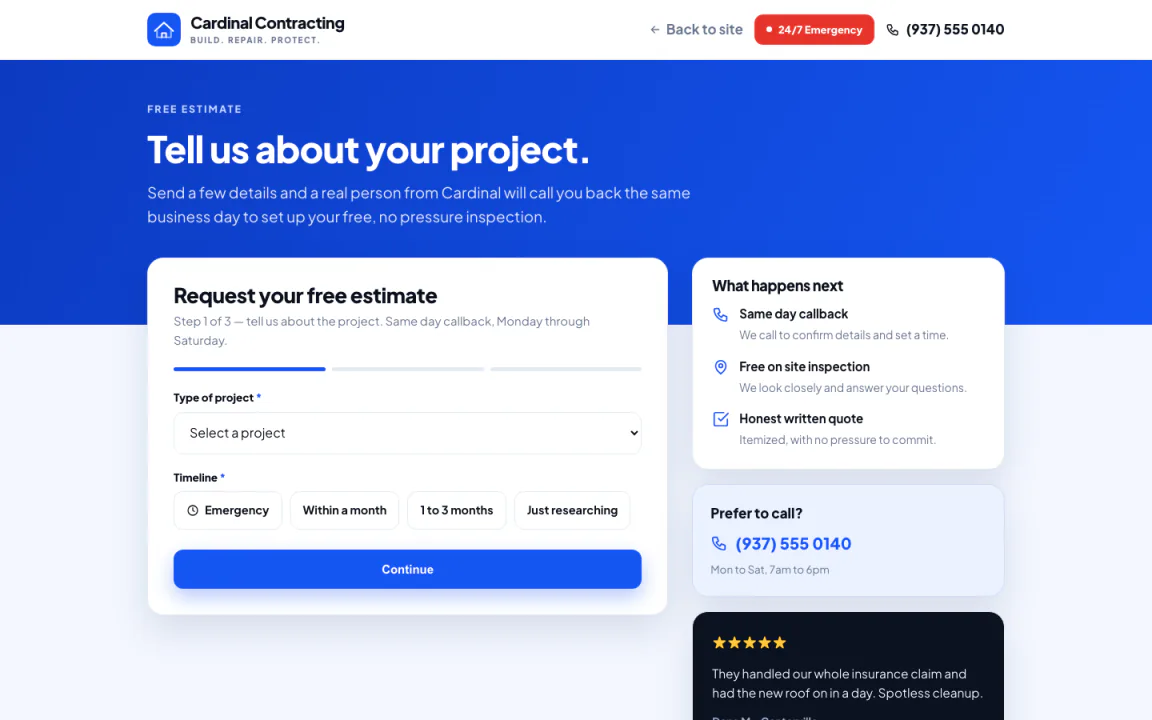
A form, not a phone call they have to remember to make.
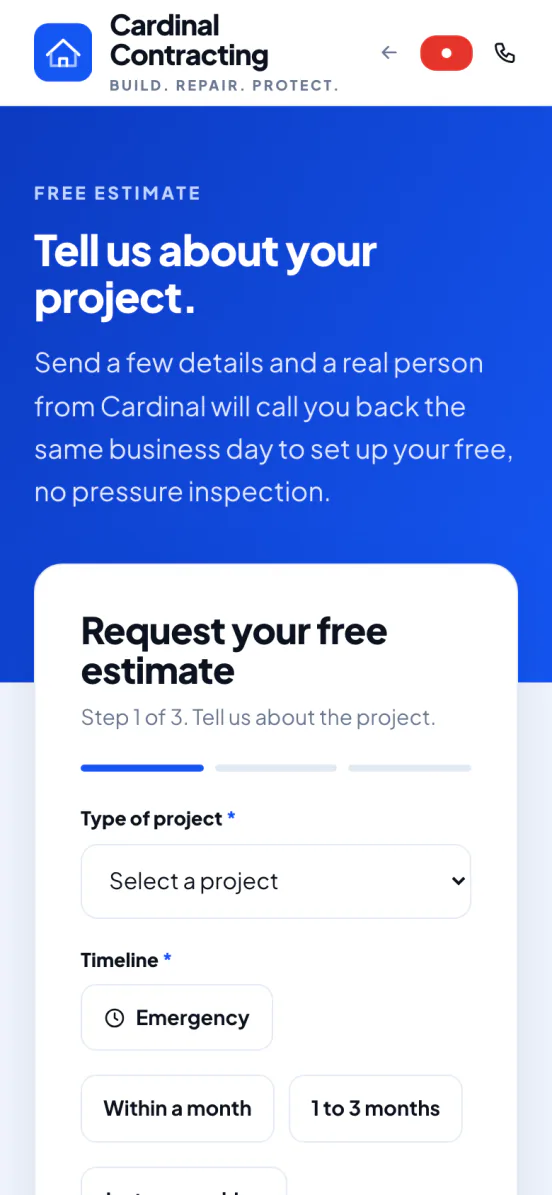
Name, address, the job, and how to reach them. Built for a phone, not a desk.
- Short, on purpose. A handful of fields, nothing that reads like paperwork.
- No account, no password. They submit it and they are done.
- Opens the way they found you. From your site, a search result, or a shared link.
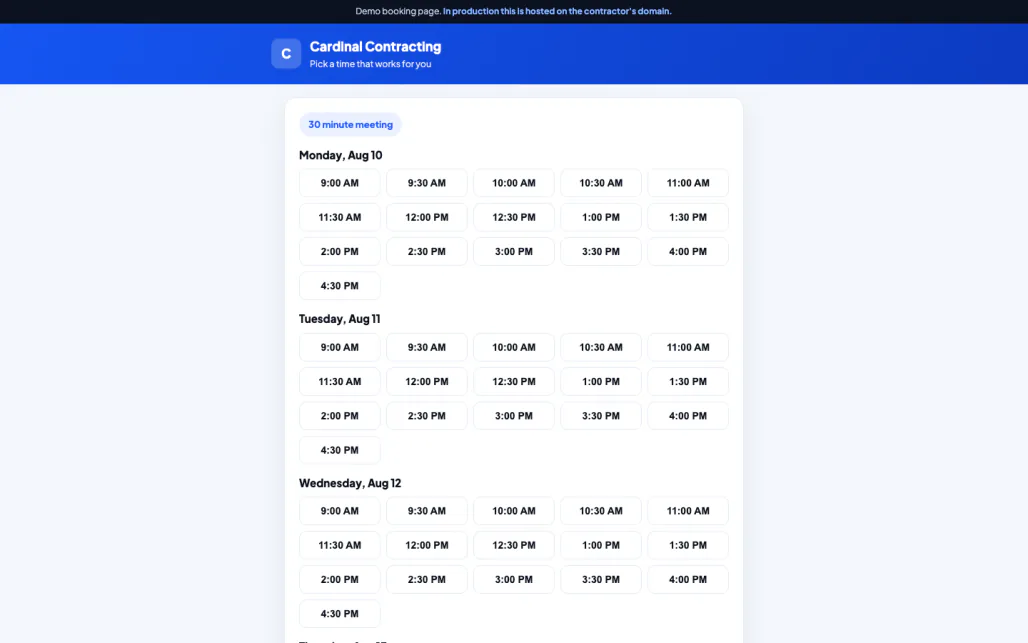
Real availability. Refuses what is already taken.
They see the actual openings on your calendar and pick one. Verified working, as an anonymous visitor: it reads your real availability, rejects a time already booked, and rejects a time in the past.
- Real slots, not a guess. The times shown are the times actually open.
- A taken slot is refused. Enforced by the system, not a note someone forgot to make.
- A time in the past is refused too. The obvious mistake, actually prevented.
- It creates the booking, and a task for you. The moment they pick a time, it lands on your calendar and on your task list.
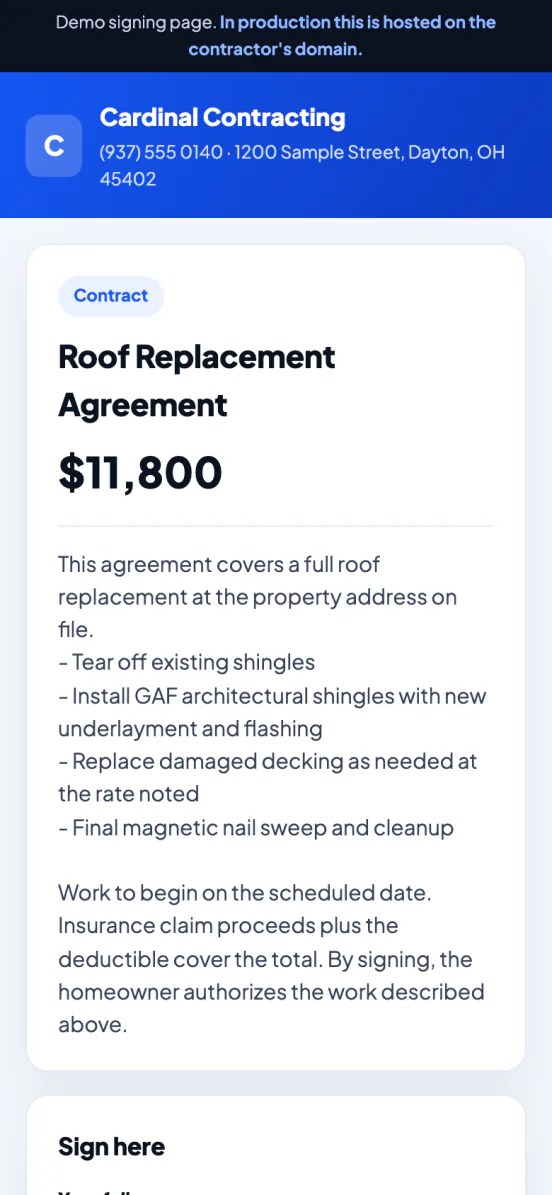
Opens in a browser. Nothing to log into.
An estimate, a contract or a change order goes out as a link. It opens straight away, no login.
- The link is the whole way in. No account needed, on either side.
- Opening it is timestamped. You can see the moment they actually looked.
- It is exactly the document you sent. An estimate, a contract or a change order, nothing else attached.
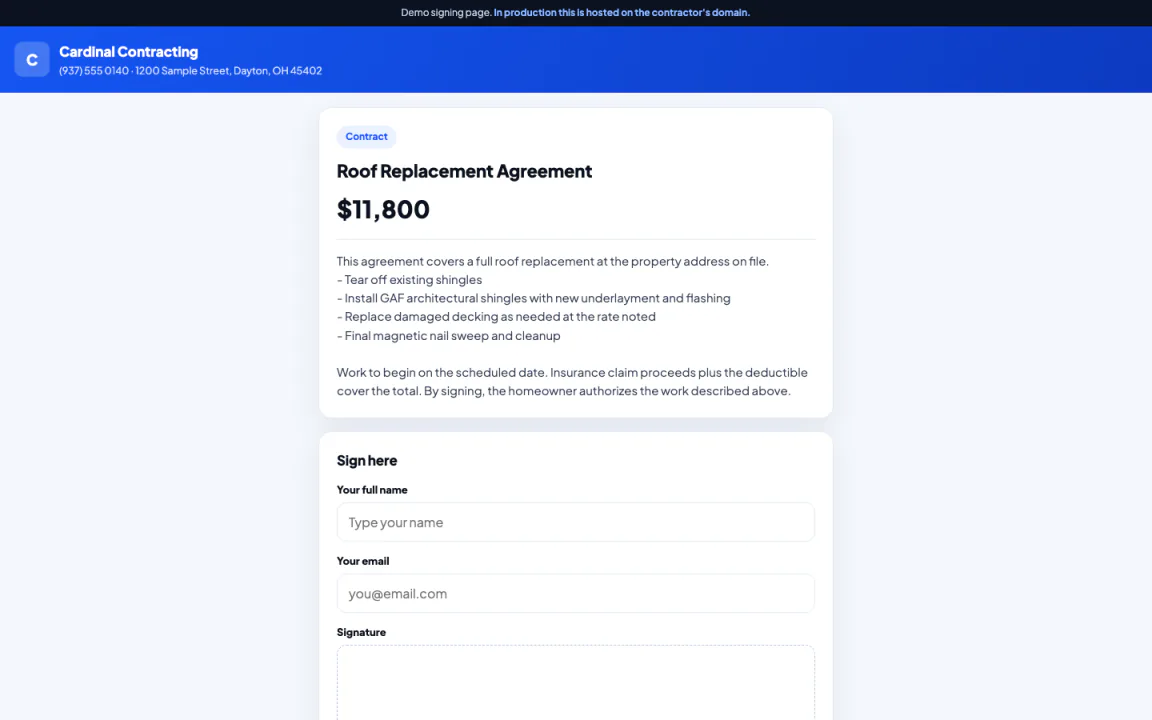
A signature with a real audit trail.
They type their name, or draw it with a finger. It records the signature, their name and email, the time, the IP address and the browser they used, against that document.
- Typed or drawn. They type their name, or sign with a finger on a phone.
- Name, email and the time. Recorded against the document.
- The IP address and the browser. Recorded against the document as well, so there is a record of where and how it was signed.
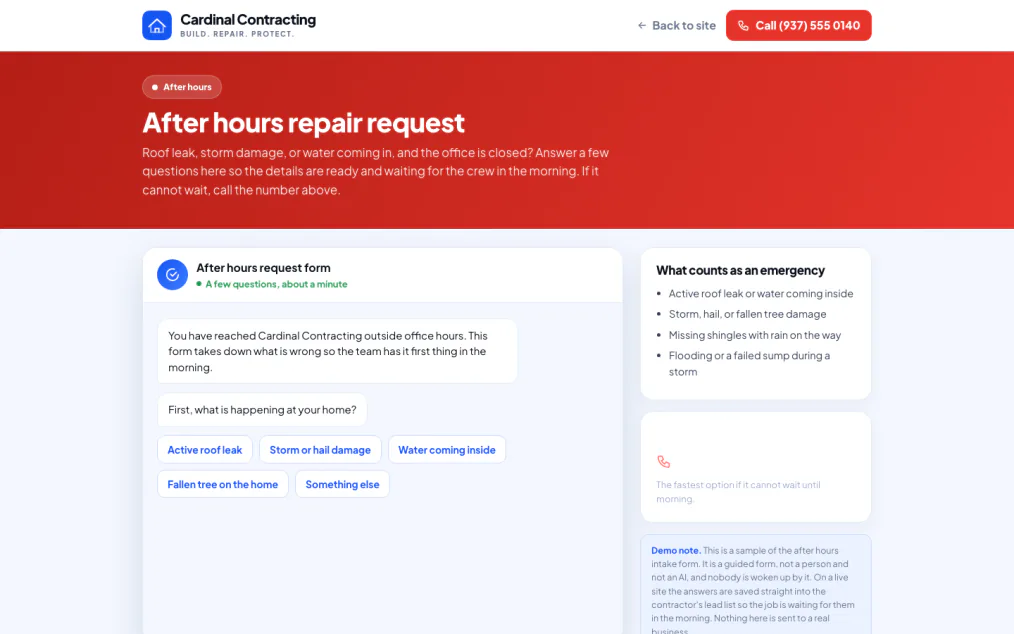
A form for the eleven o'clock problem.
A guided set of questions on your site for someone with a burst pipe at eleven at night. It is a form, not a person and not AI. Nobody is woken up, and nothing is texted or dispatched. It simply captures the job overnight, staged like any other lead, waiting for you in the morning.
Same link, wherever it opens.
Whether it opens on a laptop or a phone in the driveway, it is the same page, and nothing to download. If they would rather have an icon on their phone, the app is there too.
Everything your client gets.
What the homeowner paying you actually experiences. A link that opens with nothing to download, or the app if they want one.
The website
- Where every path startsThe estimate form, the booking page and the after hours form all live on your site.
- A designed siteBuilt by a person. Starts at $349, one time, separate from the plan.
Leads and estimates
- The estimate requestName, address, the job and how to reach them, from a phone.
- No account to createThey submit it and they are done.
Jobs and customers
- Real availabilityThe booking page reads your actual open slots.
- Nothing double-bookedA taken slot and a past time are both refused.
- A task, automaticallyBooking a slot creates a follow-up task in the Command Center.
Paperwork and signing
- Opens with no loginAn estimate, a contract or a change order, from a link.
- Opened is timestampedYou can see the moment they looked.
- Typed name, recorded properlyName, email, time, the IP address and the browser.
Money
- Recorded, not processedDeposits and invoices tracked as due or paid.
- $74 a month, billed annually$80 month to month. Website build starts at $349.
What the client sees
- A link that just opensOr a portal and the app if they want one.
- One link, opens straight awayFrom your site, a text, or wherever you sent it.
- The estimate formA short form, no login. Demo: estimate.html.
- The booking pageReal availability, verified working.
- The documentOpened and signed, no login.
- The after hours formA guided form for a problem at eleven at night.
What clients ask before they ever ask you
Straight answers, before you have to ask.
Does my client need to create an account?
What exactly gets recorded when they sign?
What actually happens with the after hours form overnight?
Can two homeowners book the same slot by accident?
Do my clients ever see a Turbo Link login page?
Is there a contract?
What happens if I stop paying?
Who owns the domain?
See it the way they will.
No login for this either. Open the sample client experience and click through it yourself.
$74 a month, billed annually. $80 month to month. Website build starts at $349, one time.